7
The Diamond
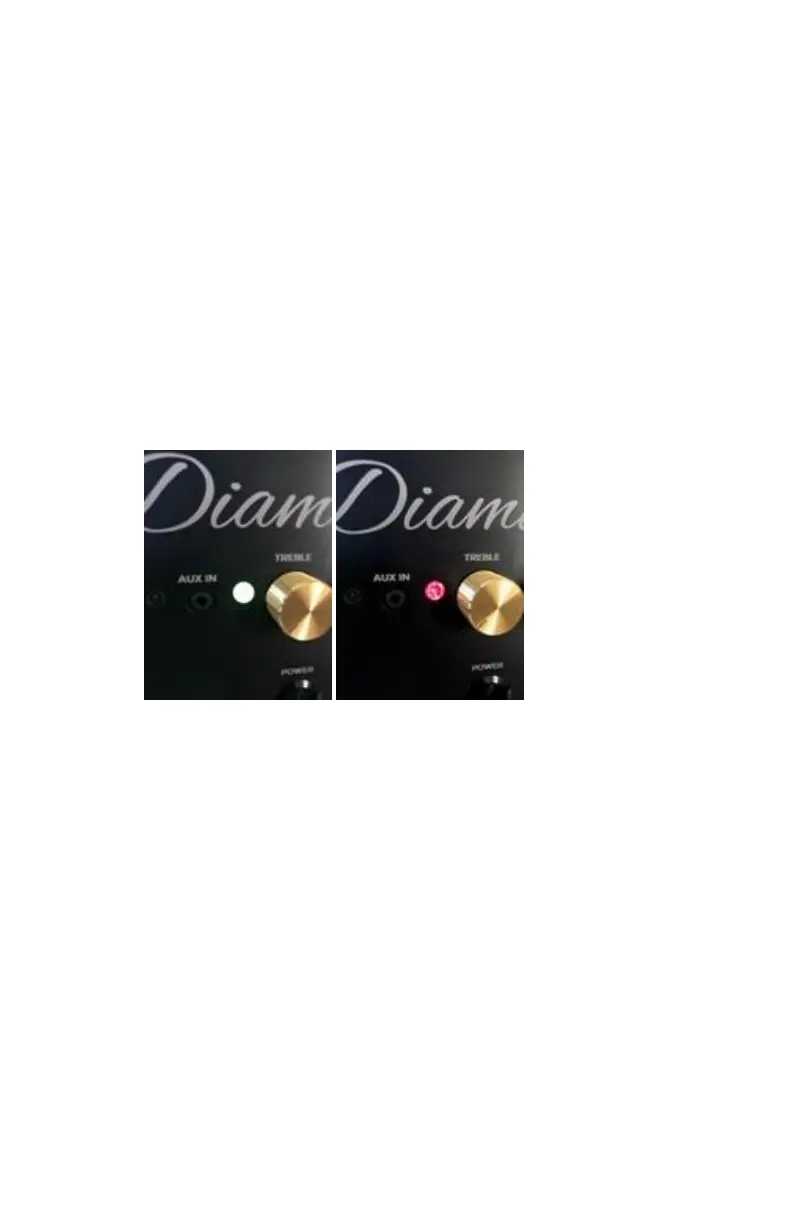
Besides its looks, the 2 Carat 8mm CZ Diamond serves
as the battery level indicator while the DiamondBoxx is
playing. When it looks White (really a combination of
all colors so it may look different from different angles)
the battery is more than 30% Charged.
If your Diamond turns RED this means your battery is
less than 30% and getting low.
If audio quits playing and the Diamond is RED mixed
with a flashing pink/blue color this means the battery is
completely discharged and music has been muted to
protect it from further discharge. If this happens please
plug charger into DiamondBoxx and let charge for a few
minutes before expecting the DiamondBoxx to unmute
and start playing music again.
The DiamondBoxx can recharge while in use.
During TWS Mode config the diamond can also be blue,
green, or red (see previous section on TWS Button)



 To Next Page