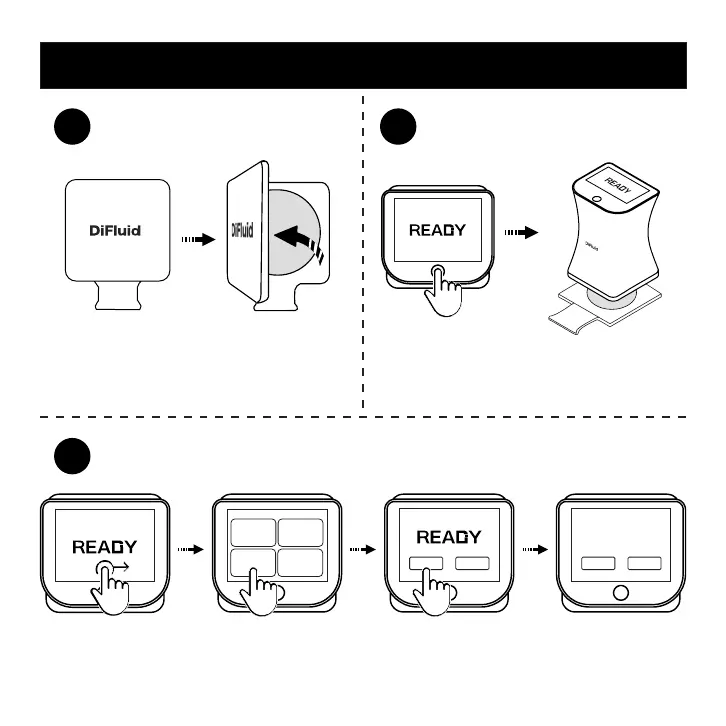
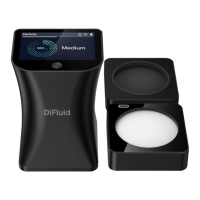
Take off the protective cover.
Calibration Operation Diagram
Click to power up, put the main unit over the
calibration plate.
Swipe from left to right on READY page to enter the menu page. Click on the 'Calibration' button or start
calibration by short click and then long click the button. The screen will display 'Calibration Success'
after complete.
Calibration
SuccessSuccess
1 2
3
45.3
Agtron
45.3
Agtron
Again > Exit >
Exit >Start >
Particle Roast
Settings
15


 To Next Page