Page 21
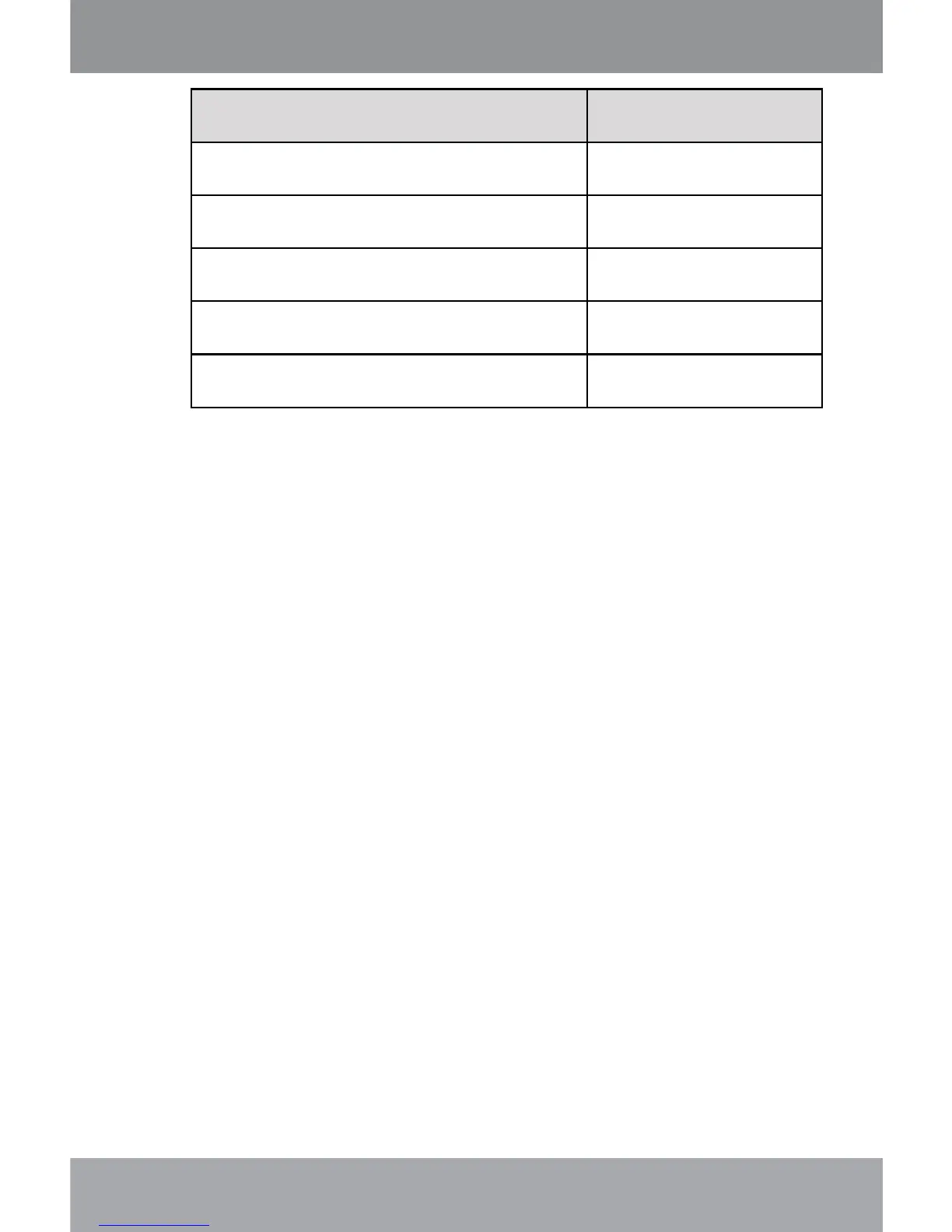
Function Key Action
To read the next page Press <DOWN>
To read the previous page Press <UP>
To toggle the auto-scroll function Press <ENTER>
To return to the Text Browser screen Press <MENU>
To return to the Main menu Hold <MENU>
Quick Option Menu
The Quick Option menu gives you easy access to
your player’s option settings.
Press <OPTION> to access the Quick Option menu.
Go to Page
Skip to a page directly.
Press <LEFT> or <RIGHT> to select a eld to
adjust.
Press <UP> or <DOWN> to adjust the selected
eld.
Press <ENTER> to conrm.
Bookmark
Select to Save Bookmark, Load Bookmark, or
Delete Bookmark.
Text Mode



 To Next Page