Chapter 7: Preferences 93
AutoMatch Time If you are writing automation
in Touch mode, when you release a fader or con-
trol, writing of automation stops and the auto-
mation data returns to its previous value. The
rate of return to the previous value is the
AutoMatch Time.
AutoGlide Time (Pro Tools HD Only) Specifies
how quickly Pro Tools transitions (glides) from
one automation value to another, when
AutoGlide mode is used.
After Write Pass, Switch To Options
These options select the Automation mode that
Pro Tools tracks automatically switches to after
an automation pass in Write (or Write Trim)
mode. Select one of the following options:
Touch Switches to Touch mode after an automa-
tion pass in Write (or Write Trim) mode.
Latch Switches to Latch mode after an automa-
tion pass in Write (or Write Trim) mode.
No Change Stays in Write mode after an automa-
tion pass in Write (or Write Trim) mode.
After an automation pass in Write Trim mode,
tracks automatically switch to the Trim version
of the specified setting.
Coalesce Trim Automation Options
(Pro Tools HD Only)
These options determine when Trim automa-
tion is committed to the main automation play-
list on a track.
After Every Pass Sets Trim automation to coa-
lesce when the transport is stopped at the end of
each Trim automation pass. No Composite Play-
list is indicated.
On Exiting Trim Mode Sets Trim Automation to
coalesce on a track when the track is taken out of
Trim mode. A Composite Playlist can be viewed
before committing Trim moves.
Manually Trim Automation can be coalesced
only with the Coalesce Trim Automation com-
mand. A Composite Playlist can be viewed be-
fore committing Trim moves.
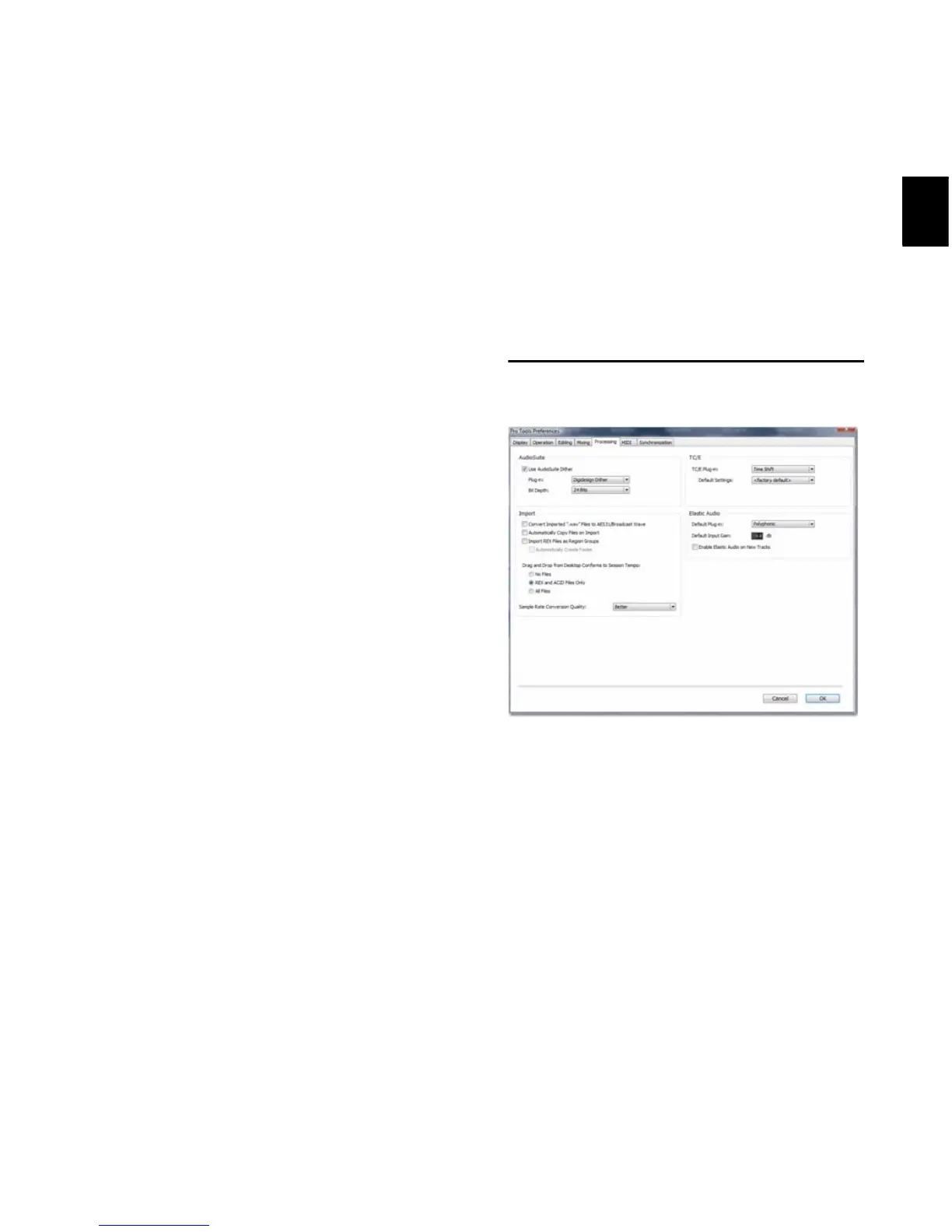
Processing Preferences
AudioSuite Section
Use AudioSuite Dither When selected, certain
AudioSuite plug-ins automatically apply dither
when processing. AudioSuite plug-ins that sup-
port automatic dithering include: Gain, Nor-
malize, Smack!, and Sonic NoNOISE.
Plug-in Specifies the plug-in used for dither pro-
cessing when the Use AudioSuite Dither option is
selected.
Bit Depth Lets you select a bit depth for the dith-
ered audio (24-bit, 20-bit, 18-bit, or 16-bit).


 To Next Page
 Loading...