Chapter 10: Pro Tools Main Windows 127
Chapter 10: Pro Tools Main Windows
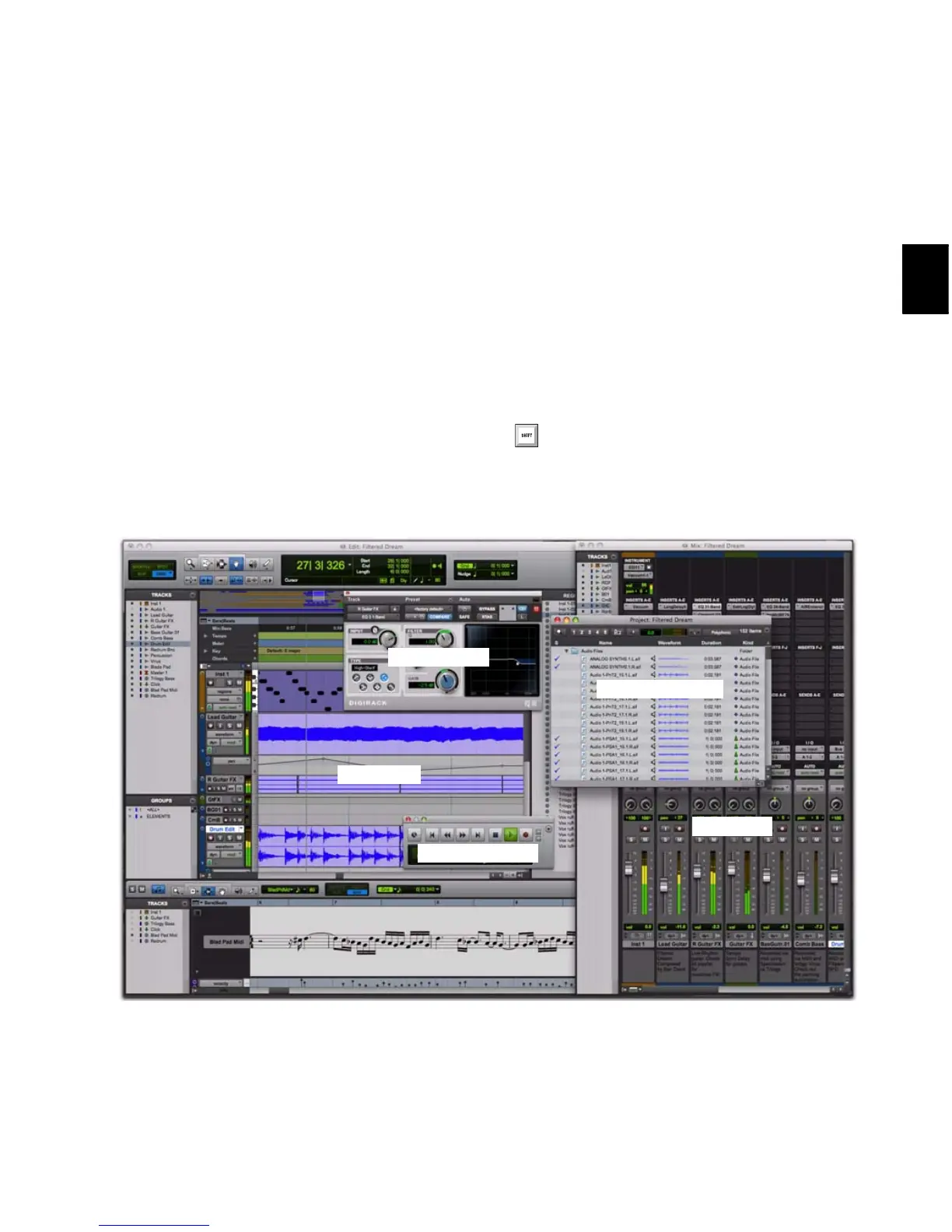
Pro Tools provides two complementary ways of
viewing tracks in a session:
Mix Window Shows tracks as channel strips, like
a mixing board (see “Mix Window” on
page 128).
Edit Window Shows tracks and track material
against the Timeline (see “Edit Window” on
page 128).
To toggle between the Mix and Edit win-
dows, press Control+Equals (=) (Windows),
or press Command+Equals (=) (Mac).
Figure 3. Pro Tools windows



 To Next Page