Chapter 13: The Region List 211
Chapter 13: The Region List
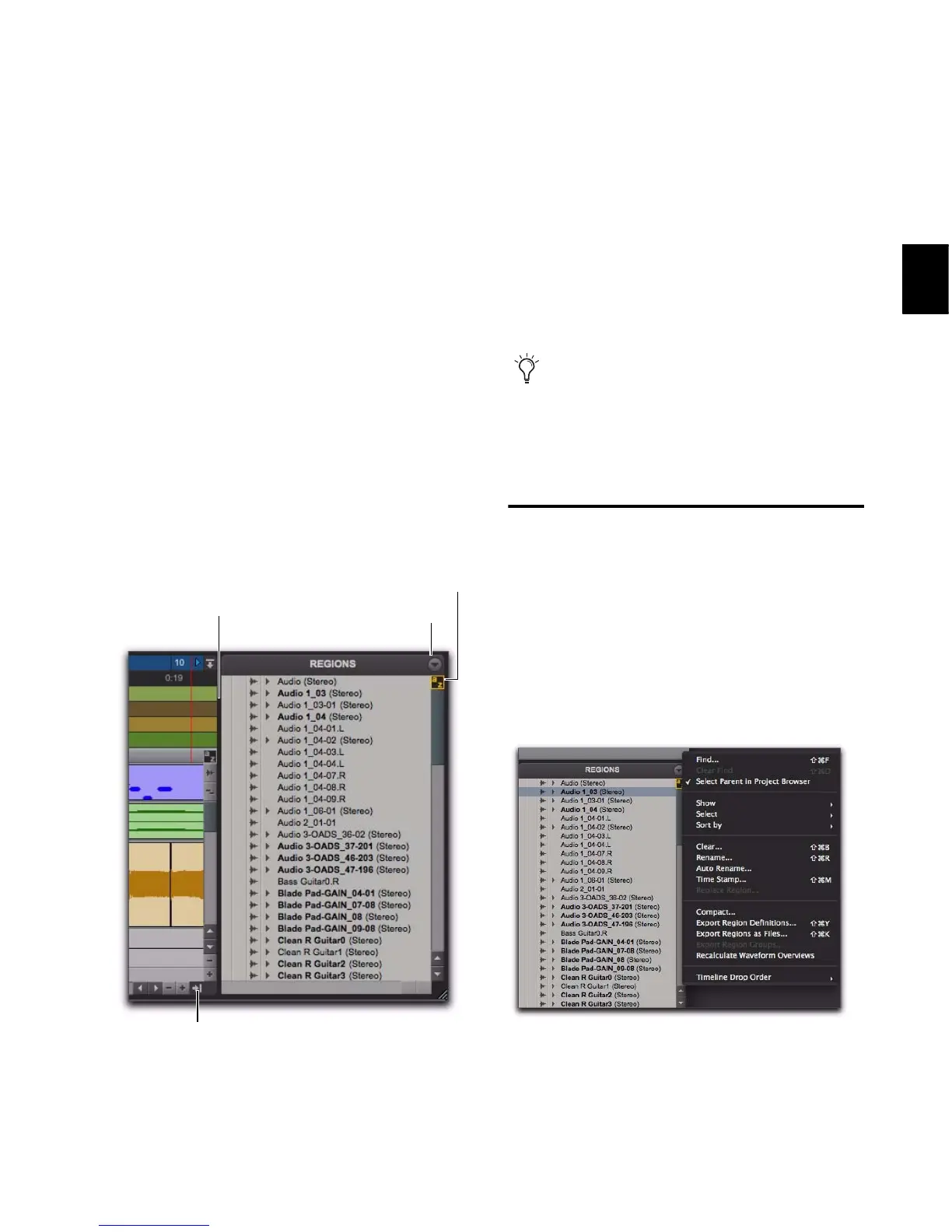
The Edit Window displays all audio regions,
MIDI regions, and region groups in a single,
comprehensive Region List.
All regions of all types that are recorded, im-
ported, or created by editing appear in the Re-
gion List. Items can be dragged from the list to
tracks and arranged in any order. You can also
preview audio and MIDI regions and region
groups in the Region List.
Region List Menu
The Region List menu provides tools to search,
select, sort, export, clear, and manage items in
the Region List.
To access the Region List menu:
In the Edit window, click the Region List
menu.
Figure 8. Region List
Use the Region List as a bin for storing your
favorite audio loops and MIDI clips. Save
the session as a template and the regions are
available for future sessions (see “Session
Templates” on page 123).
Region List menu



 To Next Page