Chapter 14: DigiBase 223
Chapter 14: DigiBase
DigiBase and DigiBase Pro (Pro Tools HD and
Pro Tools LE with Complete Production Toolkit
or DV Toolkit 2 only) combine an intuitive,
browser-style interface with an integrated da-
tabasing engine, optimized for Pro Tools data
and media management.
DigiBase browsers provide extensive databasing
tools for searching, sorting, auditioning, and
importing of audio, MIDI, video, plug-in set-
tings (.txf), and session files. Multiple browsers
can be displayed and arranged, with custom dis-
play settings provided to optimize your work
environment.
DigiBase Elements
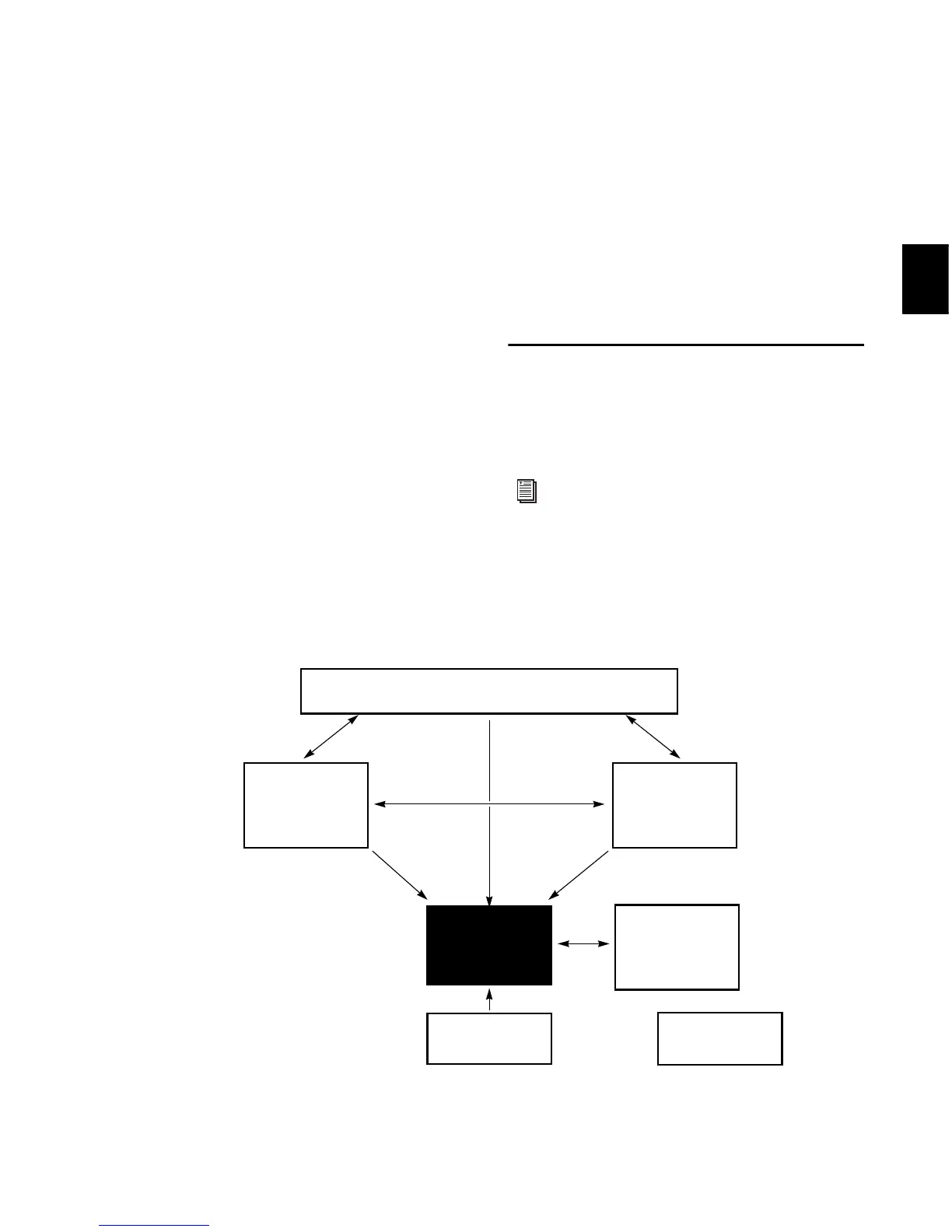
Figure 9 shows the various elements of DigiBase.
Arrows show how files can be moved between
the elements.
For information on dragging and dropping
files from DigiBase browsers to your
Pro Tools session, see “Importing Files with
Drag and Drop” on page 280.
Figure 9. Data flow between a Pro Tools session and DigiBase browsers



 To Next Page