Chapter 14: DigiBase 237
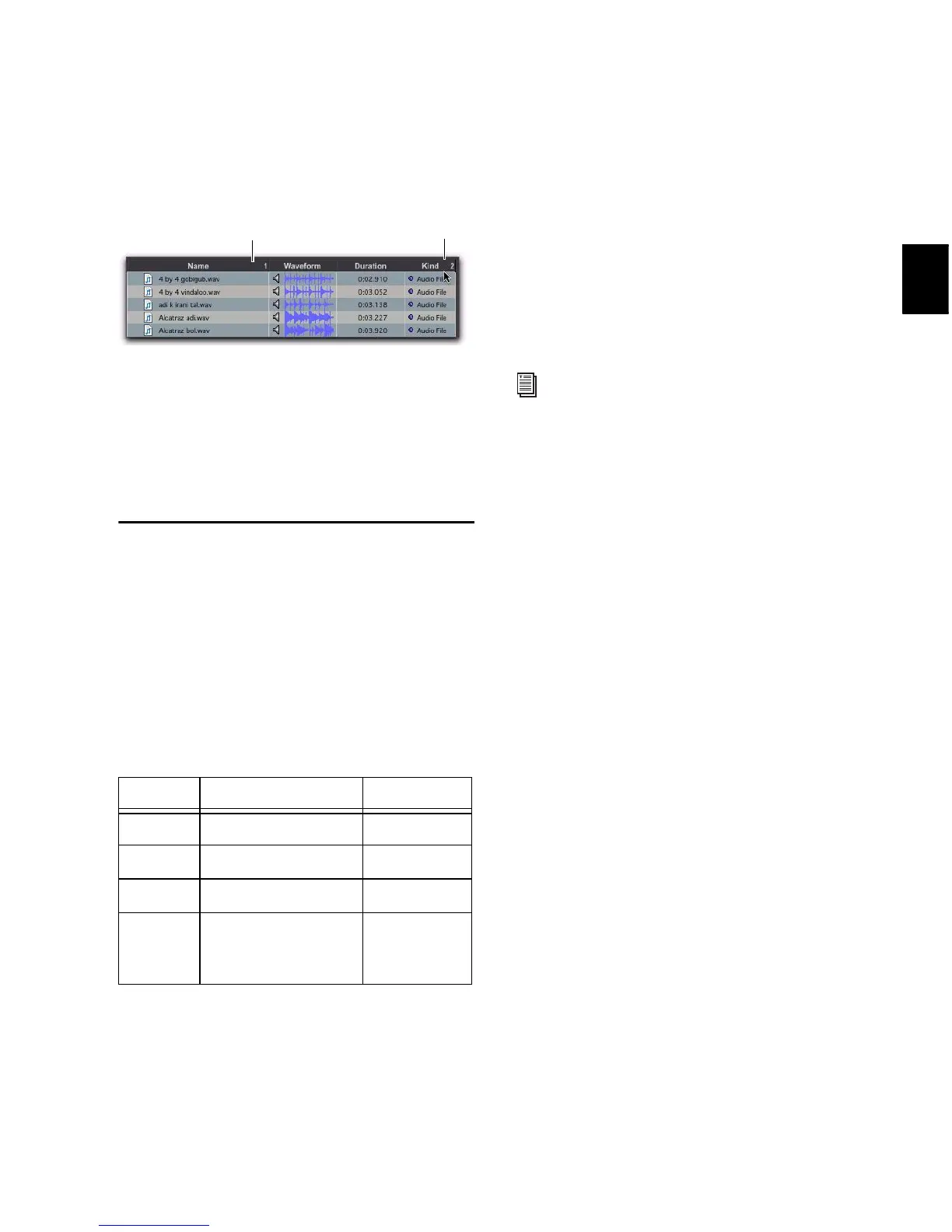
To add a secondary sort:
Alt-click (Windows) or Option-click (Mac) the
column title for the secondary sort criteria.
To toggle the current sort order between
ascending and descending:
Click the Sort toggle arrow, at the top of the
vertical scroll bars.
Column Data
In browsers, each row of data represents an item
in a database (such as a file, session, or volume).
Each column displays specific data for an item,
as follows.
Status The Status column is the first column on
the left, and it displays the status of each item,
as follows.
Name Displays the name of the file, folder, vol-
ume, catalog, or session. This text field is edit-
able in all browsers except Catalogs.
A Designates volumes for audio R (Record and
Playback), P (Playback only), or T (Transfer).
Available in the Workspace browser only.
V Designates volumes as video R (Record and
Playback), P (Playback only), or T (Transfer).
Available in the Workspace browser only.
Kind Displays whether the volume, folder, cata-
log, or file. For files, this column displays what
kind of file it is: session file, audio file, video file,
or other. This field cannot be edited. For audio
files, this column also indicates whether the file
is sample-based to tick-based.
Size Displays the size of a file in kilobytes. For
folders, the total size of all files in the folder is
displayed. This field cannot be edited.
Date Indexed Displays the last indexed date for
the item. This field cannot be edited.
Capacity Displays the total capacity of a volume.
This field cannot be edited.
Free Displays the unused space on volumes.
This field cannot be edited.
Waveform Displays a graphical overview of an
audio file. See “Waveforms” on page 246 for
more information.
Duration Displays the duration of a file in abso-
lute time (minutes and seconds), regardless of
the time code format. For region groups, MIDI,
tick-based Elastic Audio files, REX, and ACID
files, Duration displays Bars and Beats. This field
cannot be edited.
Performing a secondary sort
Status Icons and Display
Icon Text Status
none Black Online
none Blue
italics Offline
T Blue
italics Transfer
Ð Blue Elastic Audio
Analysis
Calculated


 To Next Page
 Loading...