Pro Tools Reference Guide16
Signal Routing
Pro Tools provides software-based mixing and
signal routing controls for audio and MIDI.
These controls are located in the Mix window.
Some of these controls can also be accessed from
the Edit window.
A common audio signal routing task is to sub-
mix multiple tracks to a single channel strip
(such as an Auxiliary Input) for shared process-
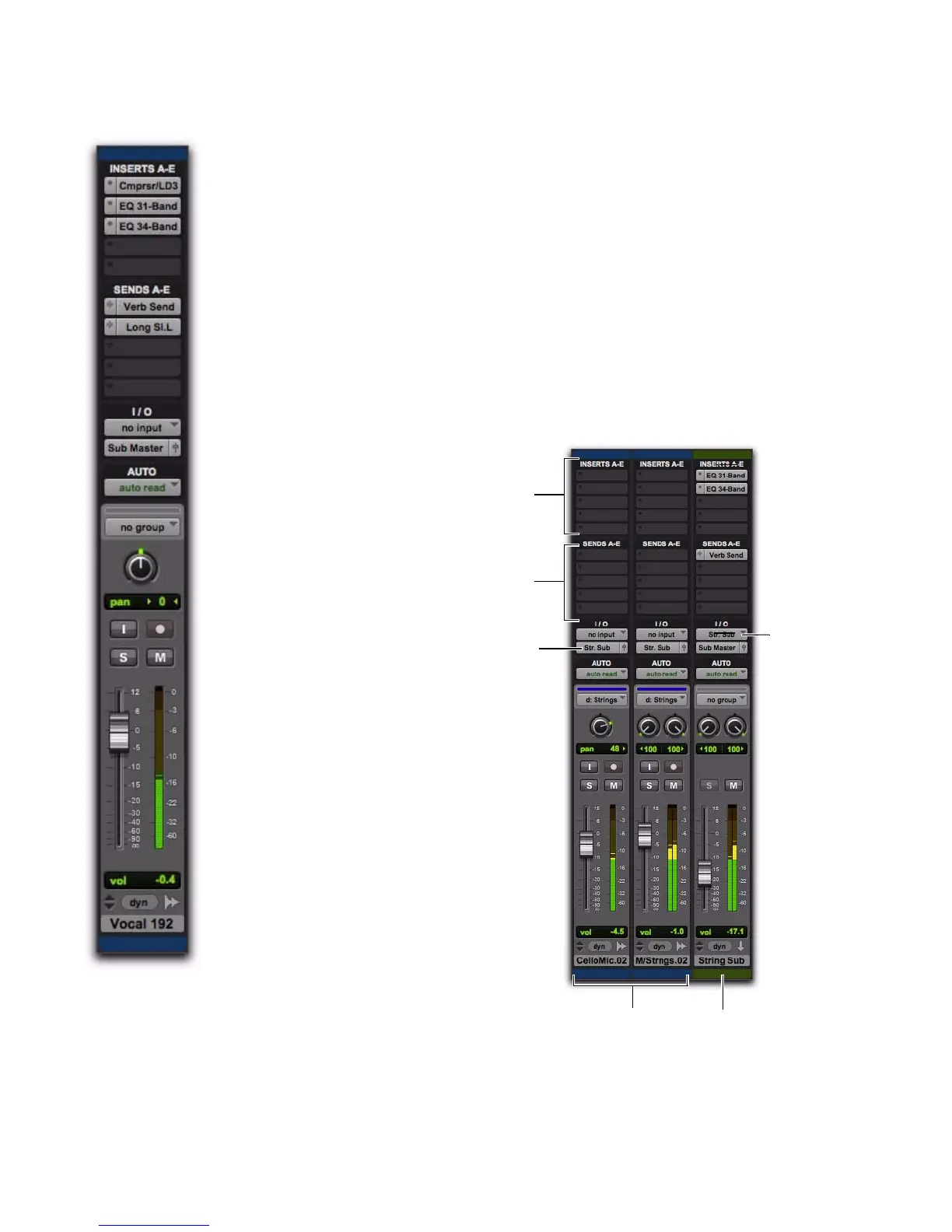
ing and level control. The following example
shows two audio tracks submixed to a stereo
Auxiliary Input.
Channel strip in the Mix window (audio track)
Submixing to an Auxiliary Input



 To Next Page