Chapter 22: Editing Basics 431
To show waveforms rectified (or normally):
Select (or deselect) View > Waveforms > Recti-
fied.
Outlined Waveforms
Outlined waveforms provide more visual defini-
tion of the waveform, especially when viewed
from a distance. However, you may want to dis-
able Outlines when you need to do precise, de-
tailed editing in Peak waveform view. Outlines
are not displayed when you are zoomed in to
the sample level.
To show (or hide) waveform outlines:
Select (or deselect) View > Waveforms > Out-
lines.
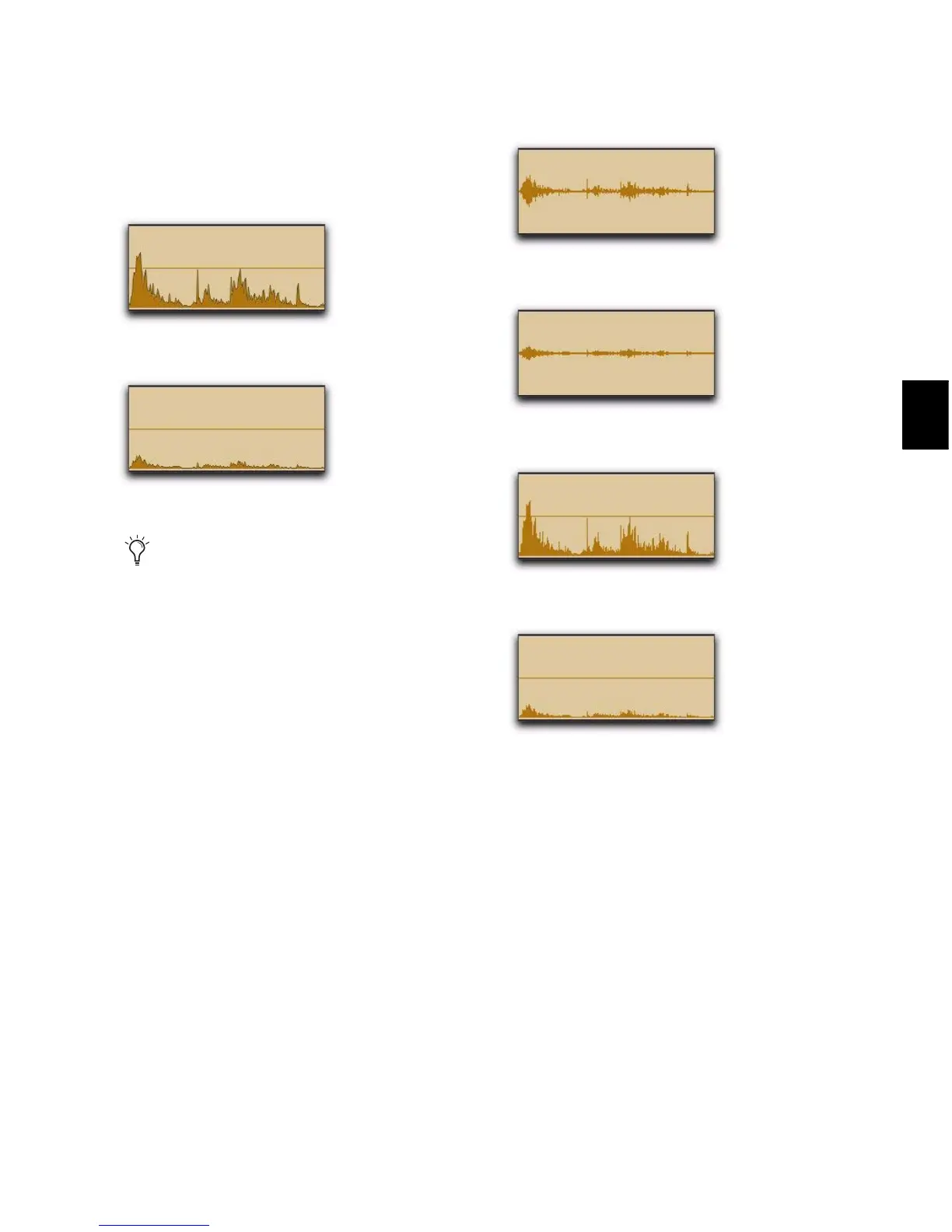
Rectified Peak Waveform view with Outlines
Rectified Power Waveform view with Outlines
When zoomed in to the sample level,
Pro Tools always displays waveforms in
Normal Peak view.
Peak Waveform view without Outlines
Power Waveform view without Outlines
Rectified Peak Waveform view without Outlines
Rectified Power Waveform view without Outlines



 To Next Page