Chapter 6: I/O Setup 59
Chapter 6: I/O Setup
The I/O Setup dialog (or I/O Setup) provides
tools to label, format, and map Pro Tools input,
output, insert, or bus signal paths for each ses-
sion.
With Pro Tools HD, Digidesign PRE (Mic
Preamp) signal paths are supported, and you can
also configure Delay Compensation for hard-
ware inserts.
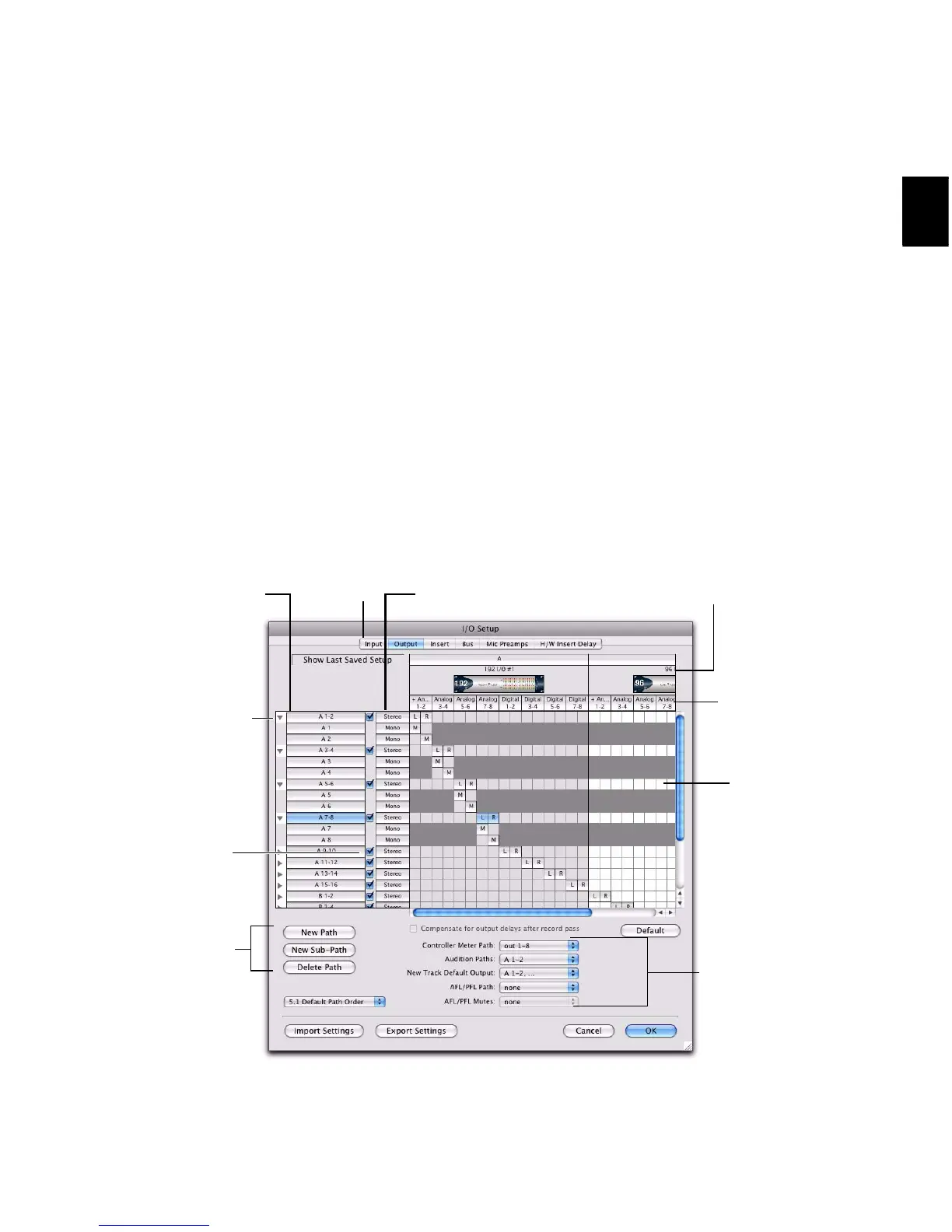
The I/O Setup dialog includes a graphical repre-
sentation of the signal routing for internal bus-
sing, and for each connected audio interface.
I/O Setup controls let you route physical ports
on the audio interface to Pro Tools inputs and
outputs. These controls mirror the routing con-
trols found in the Hardware Setup dialog—
changes made to physical routing in one dialog
are always reflected in the other.
Figure 1. I/O Setup dialog on a Pro Tools|HD system with a 192 I/O and a 96 I/O



 To Next Page