Chapter 7: Preferences 79
Chapter 7: Preferences
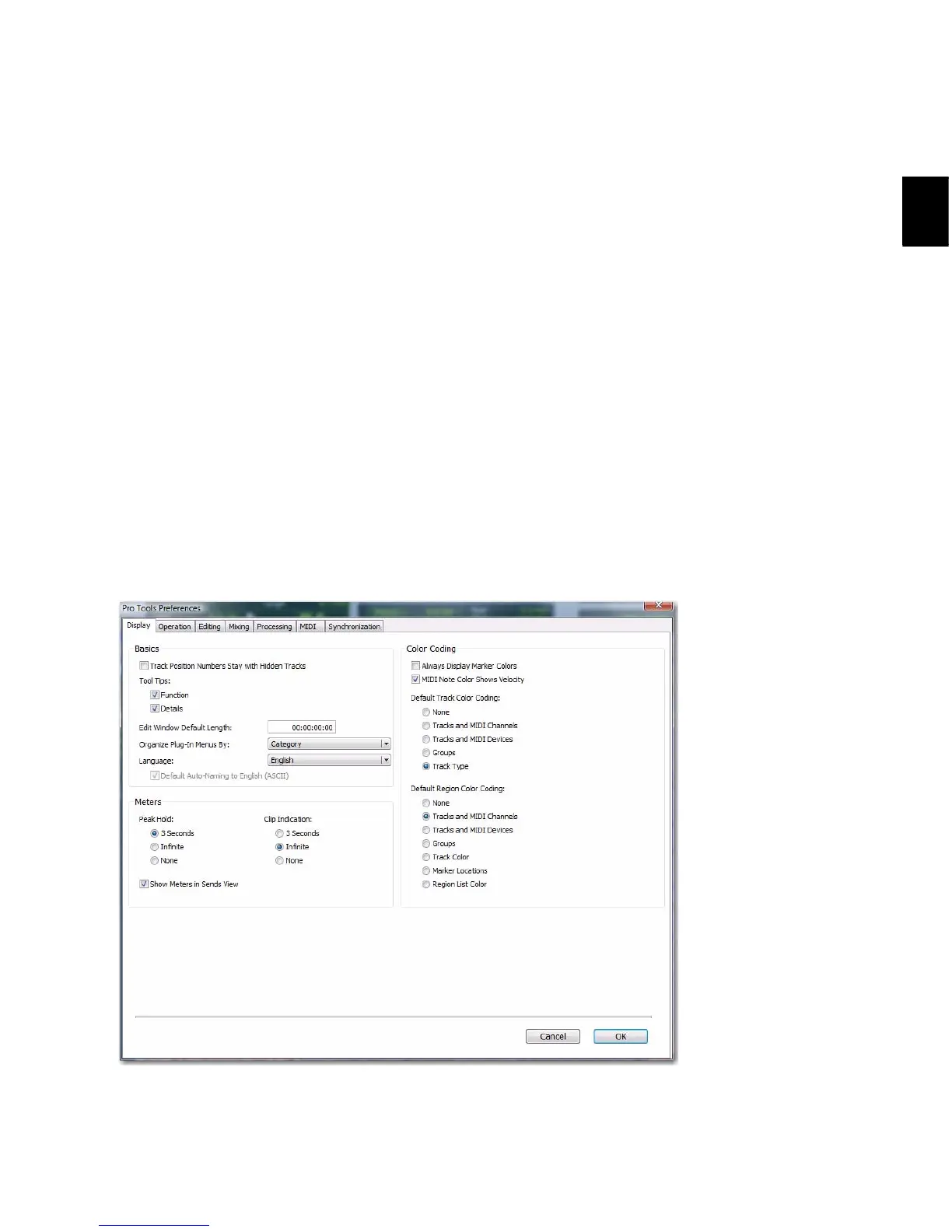
The settings in the Preferences dialog define
how Pro Tools features work by default. The
Preferences dialog has several tabbed pages in
which you can specify your preferred settings
for various types of session parameters. Each
Preferences page is covered in detail in this
chapter.
To change Pro Tools preferences:
1 Choose Setup > Preferences.
2 Click the tab for the page that has preferences
you want to change.
3 Change preferences.
4 Click OK to save your changes and close the
Preferences dialog.
Figure 2. Pro Tools Preferences dialog on a Pro Tools|HD system (Display Preferences page shown)



 To Next Page