Connection to DIGIEVER NVR
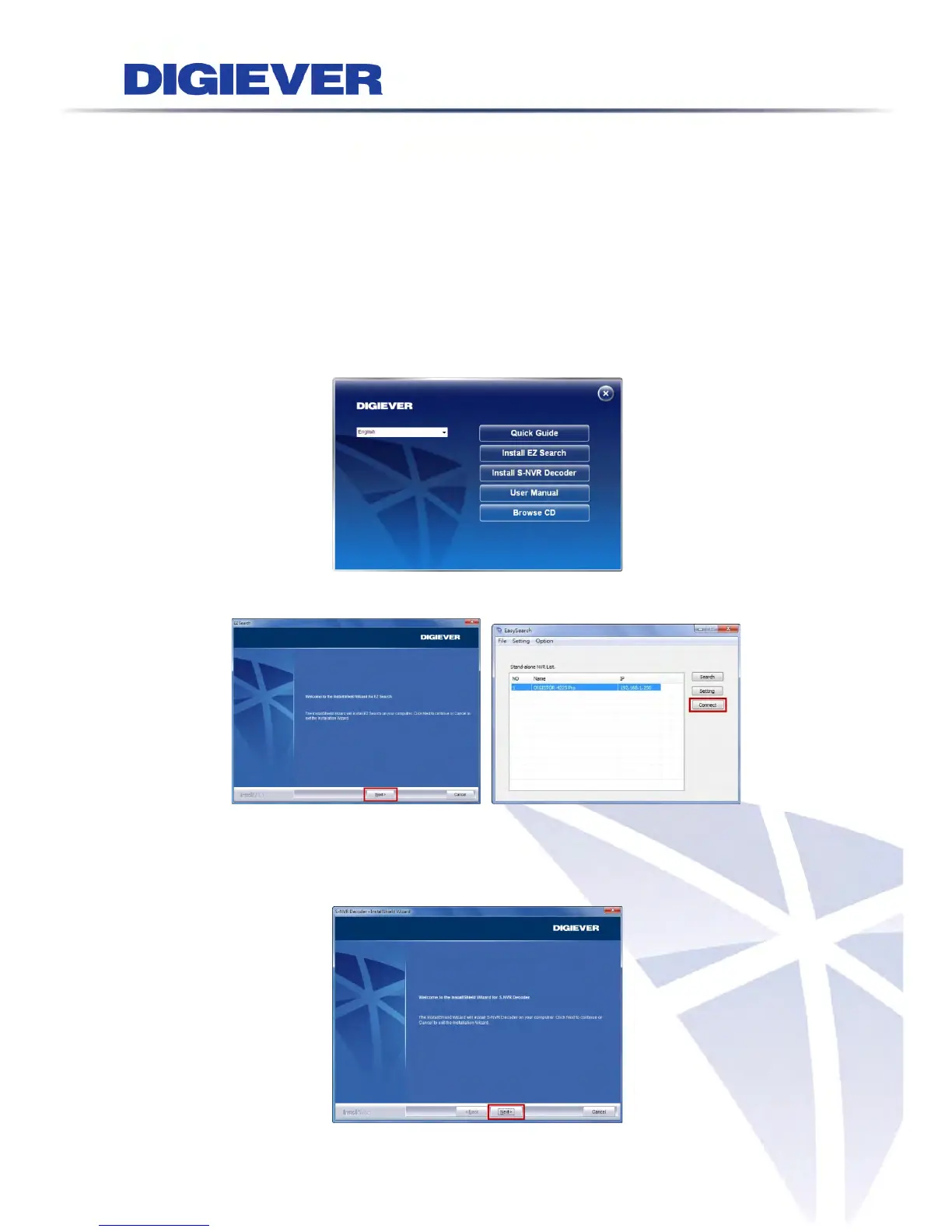
Please insert the product CD-ROM on a PC to install EZ Search and S-NVR
Decoder. Finally, you can start Quick Configuration on a web page.
Install EZ Search for finding NVR in the network.
Install S-NVR Decoder.
Connect to the configured NVR and install the ActiveX control.
Install EZ Search
Please execute the product CD and click “Install EZ Search.”
Follow the instructions to install and the EZ Search will run automatically.
Install S-NVR Decoder
Click “Install S-NVR Decoder” and follow the instructions to setup.
7



 To Next Page