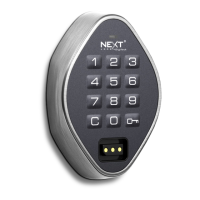
Keypad Interface
Flex Key Managed - E Function
Shared Use Functionality
Product Guide
Operating Instructions
4
In shared use functionality, users enter a self-selected 4-digit User Code or insert any User Key to lock and the same User Code or User Key to
unlock. Once unlocked, the lock is available for a different user.
* After 3 consecutive incorrect User Code entries, the keypad will be disabled for 1 minute (Sleep Mode).
** If a valid Manager Flex Key is used to relock, the previous user credential will continue to operate the lock.
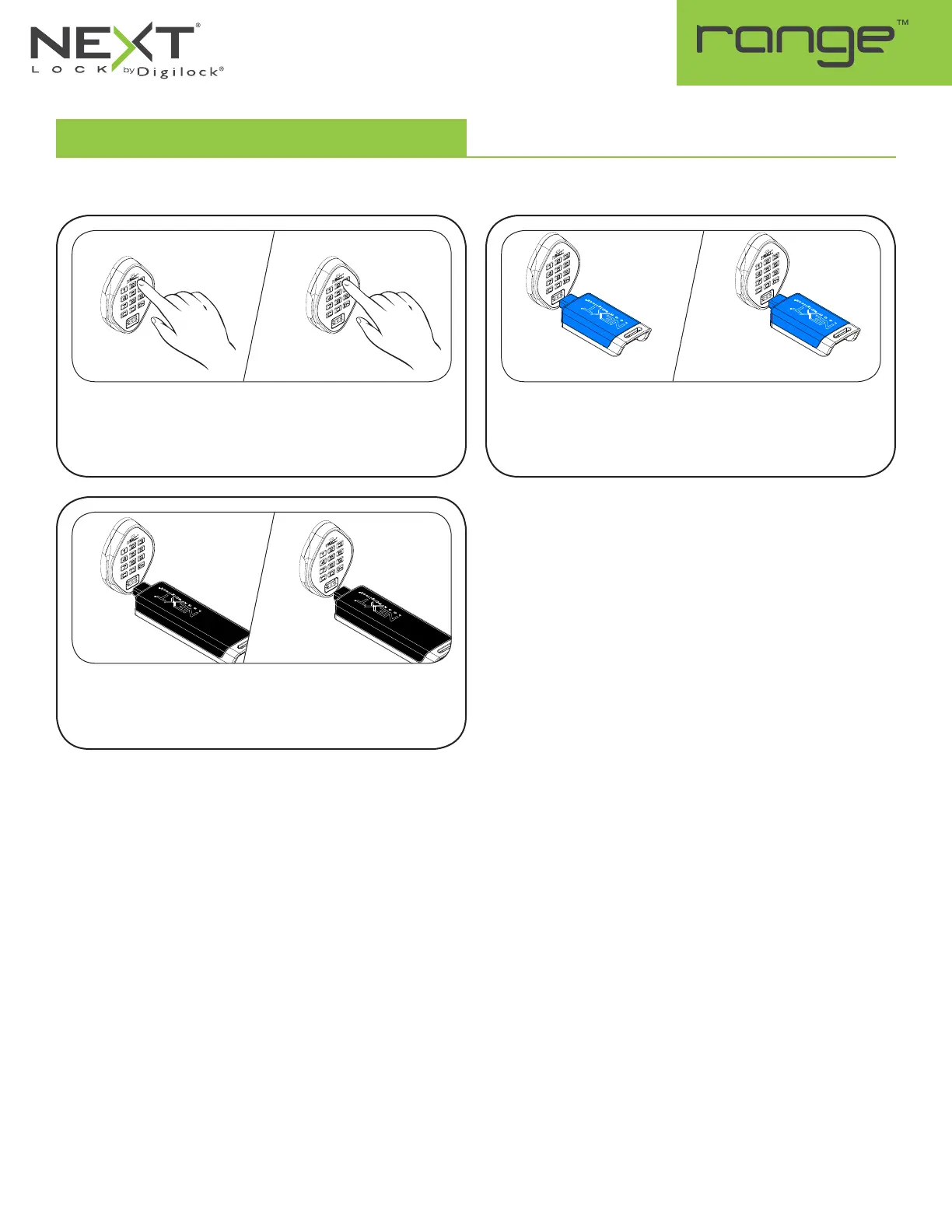
Operate with a User Code
To lock: Close the door. Press
=
[any 4-digit code]
`
.
To unlock: Press
=
[the same 4-digit code]
`
.* Open the
door.
Operate with a Manager Flex Key
To unlock: Insert a valid Manager Flex Key. Open the door.
To relock: Close the door. Insert a valid Manager Flex Key.**
Operate with a User Key
To lock: Close the door. Insert any User Key.
To unlock: Insert the same User Key. Open the door.
1a
1a
1a
1b
1b
1b


 To Next Page