ipod touch. It’s smart design, no need battery, only use the earphone
jack to power on, the product can learn and storage difference IR
remote controls. We can use it to control TV, DVD, STB and other
product easily.
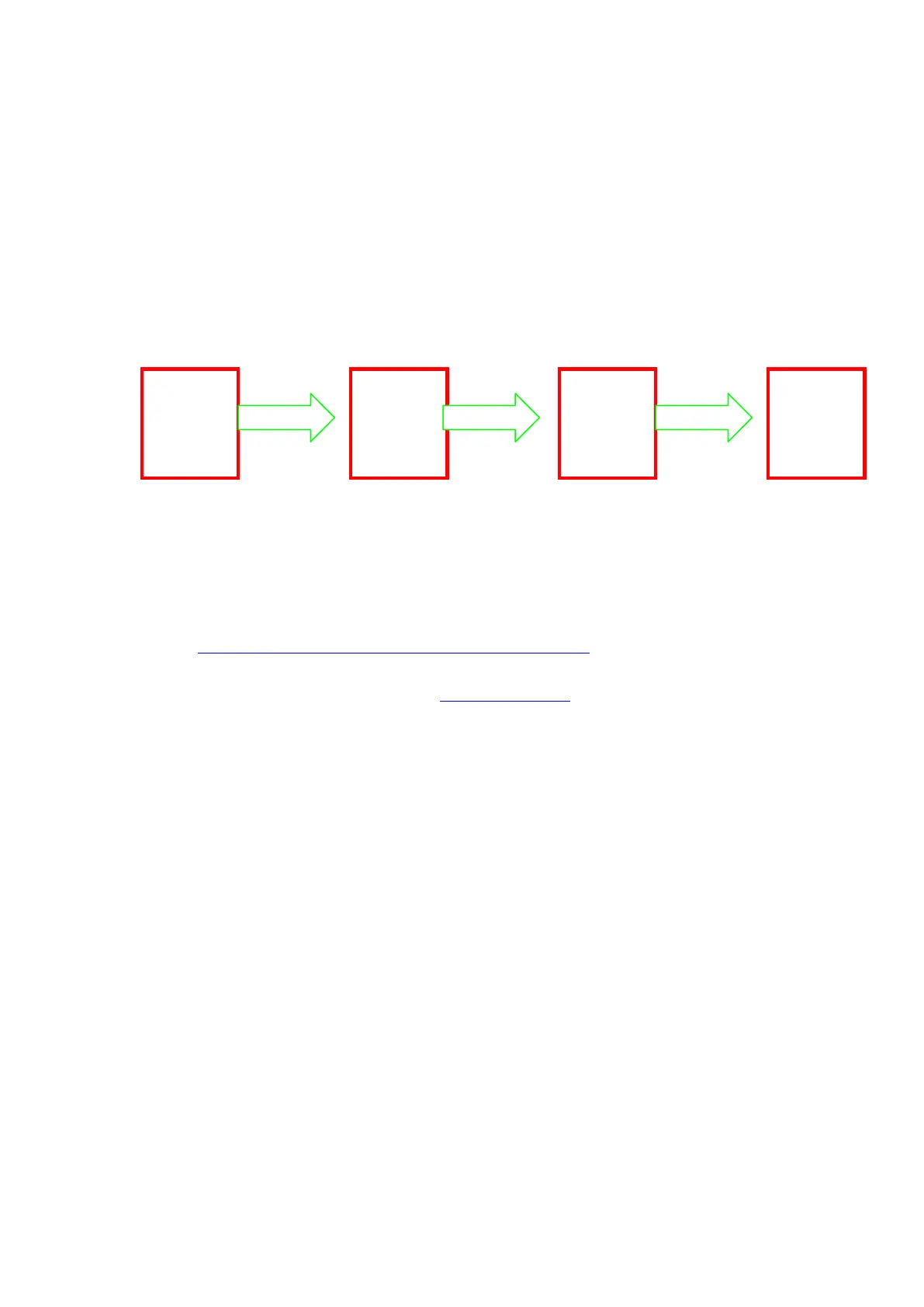
Four steps to use Digitec Smart:
How to use Digitec Smart:
【1】.Download the App:Open the safari on iphone, and visit to
https://itunes.apple.com/app/id575106568
or open APP Store search Digitec Smart
【2】.Install the App:If you download the “Digitec Smart”, the
program will install to iphone automatically.
【3】.Start to use Digitec Smart:
【3.1】Run the App
【3.1.1】Set your iphone to the highest volume, then insert
the Digitec Smart into earphone jack, then run the App. the
screen show as follow:
Download
app from
app store
Learn the
source
remote
control
Start to
use
Digitec
Smart



 To Next Page