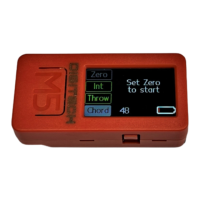
Now enter the depth of your flap in mm in the "CHORD" field so that the AT
Wizard M5 can convert the angular degrees into travel in mm. To do this, simply
tap on the "Chord" field. An input window will now open. If you only want to
know the angle, you do not need to do this.
Now you see the required information such as angle (degrees) and travel (in
mm) displayed on the screen. Since your model may not be horizontal, press
the "Zero" button to save this position as the zero point.


 To Next Page