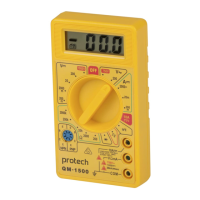
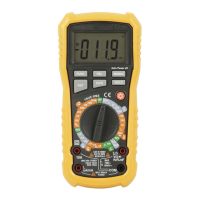
product name:
product model:
working procedure:
PICTURE INSTRUCTION OPERATION STEPS
Debugging indication:
Check datum mark:input DC100mV,check and tune
potentiometer VR1
Debugging step:set tap position in DCV,input 100.0mV
by use standard DCV current source,check and tune
potentiometer VR1,make display range of LCD is
99.9mV~100.1mV
Test indication:
Digital Multimeter
QM-1549
DCV
Calibration Operation Instruction
adjust DCV potentiometer
VR1
Measuring range Calibrating spot Normal display
range
400mV 0mV 0.0~0.1mV
400mV 100.0mV 99.5~100.5mV
4V 1.000V 0.990~1.010V
40V 10.00V 9.90~10.10V
400V 100.0V 99.0~101V
1000V 600V 593~607V

 Need help?
 General

 To Next Page