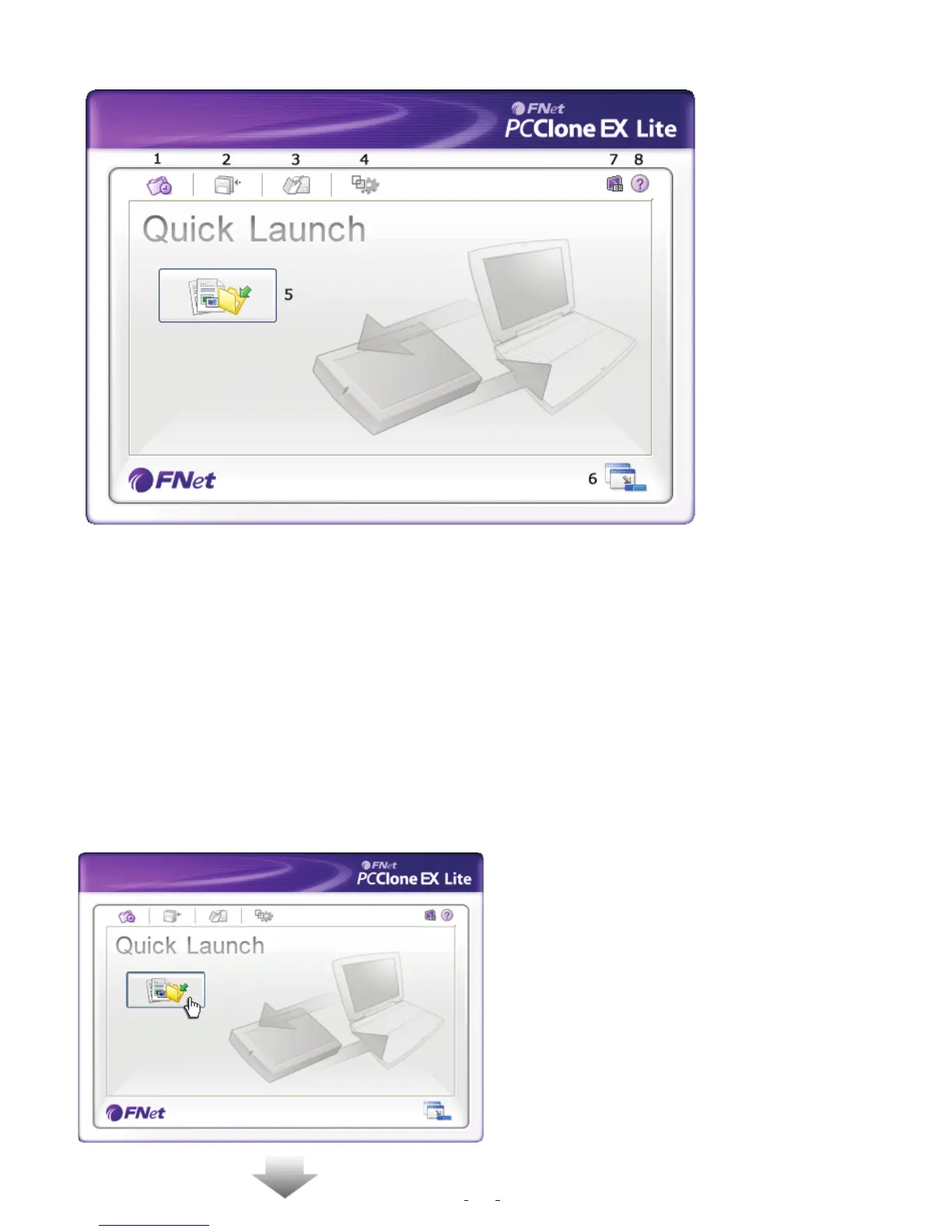
Quick Launch
1. Quick Launch.
2. File Backup.
3. File Manager.
4. Setup.
5. File Backup.
6. Minimized.
7. About.
8. Help.
Quick File Backup
Users can directly execute “File Backup” from Quick Launch, or use their own “hot key”,
only one step, and the system data will be backed up easily. (For the first time using,
please refer to the subject of “File Backup”, or setup your own hot key in “Setup”.)
Step
--------------------------------------------------------------------------------
1. Please plug the external USB HDD
into PC, and turn on the power.
2. Execute PCClone EX.
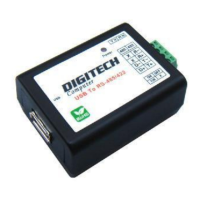
3. Go on PCClone EX/Quick Launch
screen.
4. Click “File Backup”.
(Users can also use the hot key they
previously set to backup.)
12


 To Next Page