5A. COLOR AND BRIGHTNESS ADJUSTMENT
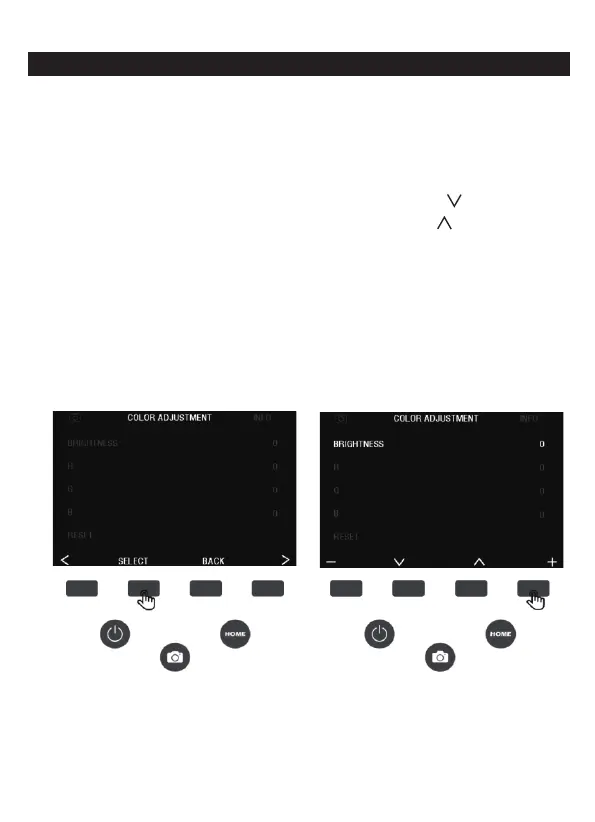
1. To adjust the color and brightness, press the (<) (>) button to
switch the status bar option at the top of the screen to the color
adjustment, then press the SELECT button to confirm the entry
option, press the (-) minus function button to decrease the value,
and the (+) add function key to increase, press the ( ) function key
to switch to the next option adjustment, press the ( ) function key
to
switch to the previous option adjustment, press the BACK key to
go back to the previous option.
There are 4 color adjustment settings:
R = red, G = green, B = blue, RESET = default color and
brightness settings.
Note: After restarting the film scanner, the color adjustment will be
reset to the default setting of “0”.
9 - EN



 To Next Page