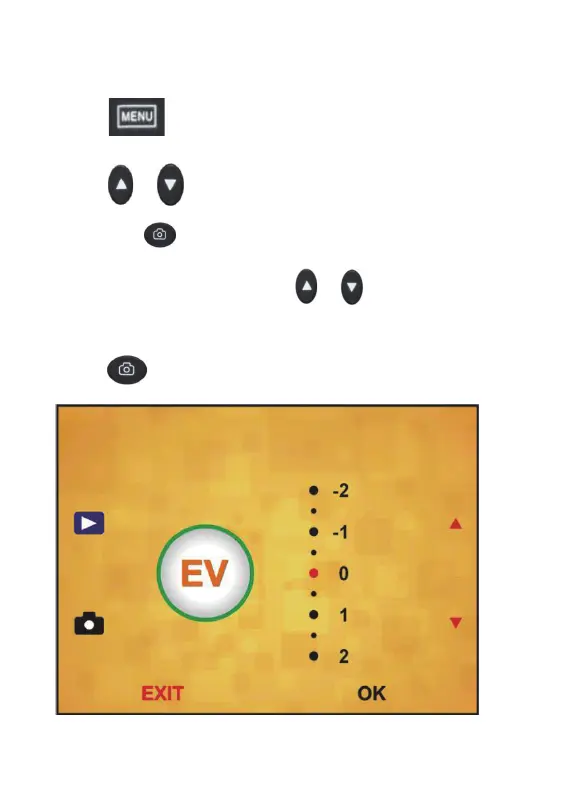
7.Exposure
Press “ ”MENU key to enter into MENU,
press “
”/ “ ” key to choose Exposure option,
and press “
” key to enter into Exposure
Compensation , then press “
”/ “ ” key to
setting exposure value of scanning image, and
press “
” to save your setting.
15 - EN



 To Next Page