tttttttttttttttttttttttttttttttttttttttttttttttttttt
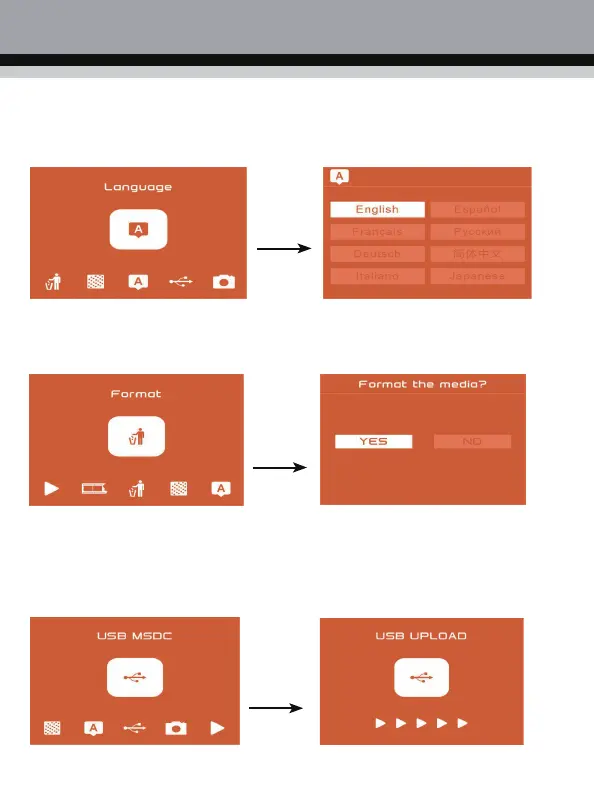
5. Language selection setting
In the main menu mode, press ◄ or ► key to select the language setting mode. Press “OK” to
enter the language setting. You can set the product to: English, French, German, Italian,
Spanish, Pусский, Simplified Chinese , Japanese.
6. Format
In the main menu mode, press ◄ or ► key to select to format mode, press “OK” key to
format all photos on your machine.
Note: After using this function, all data on the SD card will be erased. Please remember to backup
your data!
7. USB connection to computer
In the main menu mode, press the ◄ or ► key to select the USB mode. Press the “OK”
key to view the scanned photos on the computer.



 To Next Page