Chapters
Reset to Factory Defaults
How to Find the IP Address and MAC Address
Reset to Factory Defaults
Quick Steps
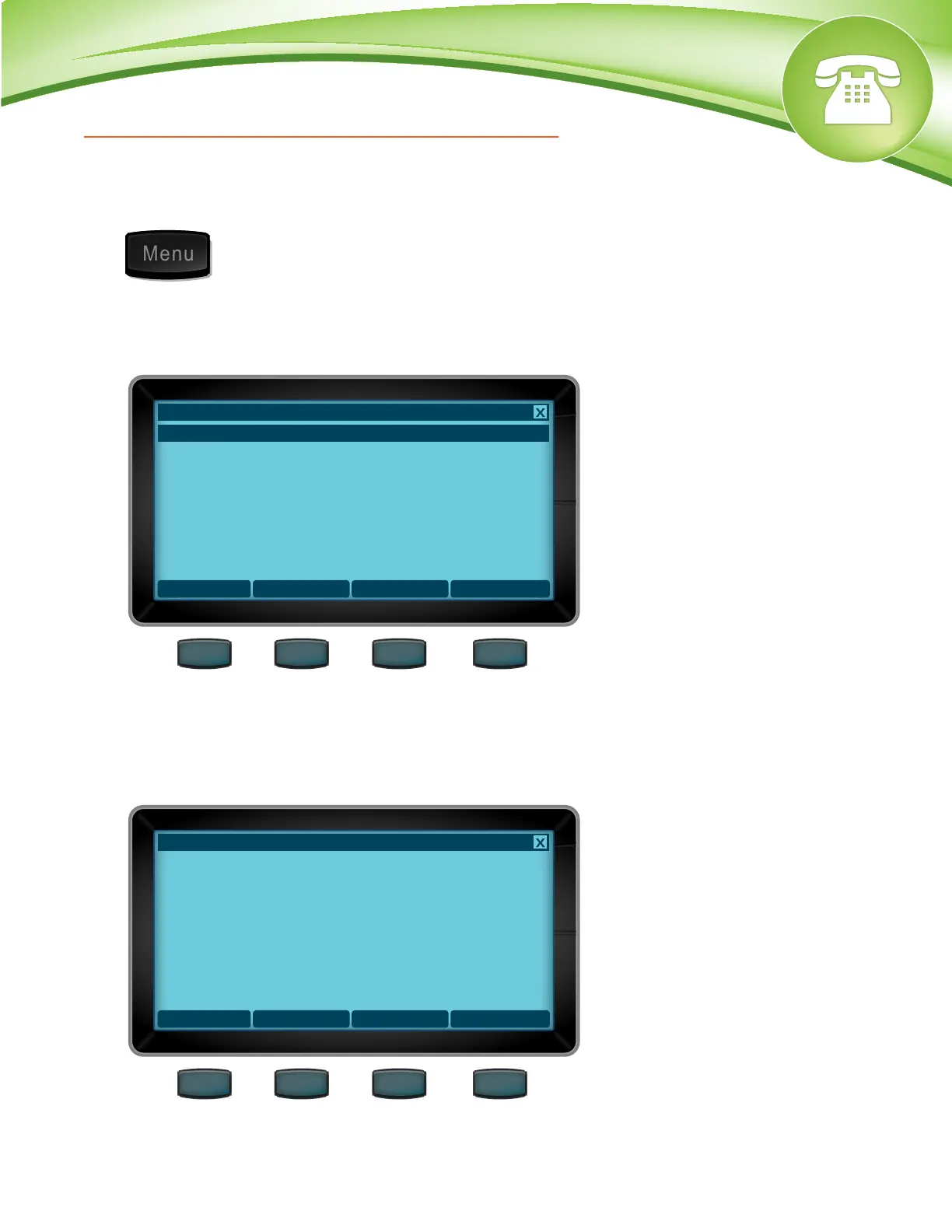
1. Select the Menu button.
2. Scroll down to “Advanced” and press Select softkey.
3. Enter the admin password and press the “Select” softkey.
4. Scroll down to “Reset to Factory Defaults”.
How to Find the IP Address and MAC Address
Quick Steps
1. Select the Menu button.
2. Scroll to “About” and press the “Select” softkey.
3. From here you can see the IP Address and the MAC Address of the phone.
© Copyright Schmooze Com, 2012
Select
Main Menu
1. About
2. Applications
3. Preferences
4. Admin Settings
5. Advanced
6. Restart
Back
About
Phone Model: D70
Firmware Version: 1_1_0_0_48178
MAC Address: 00:0F:XX:XX:XX:XX
IP Address: 10.4.0.166


 To Next Page