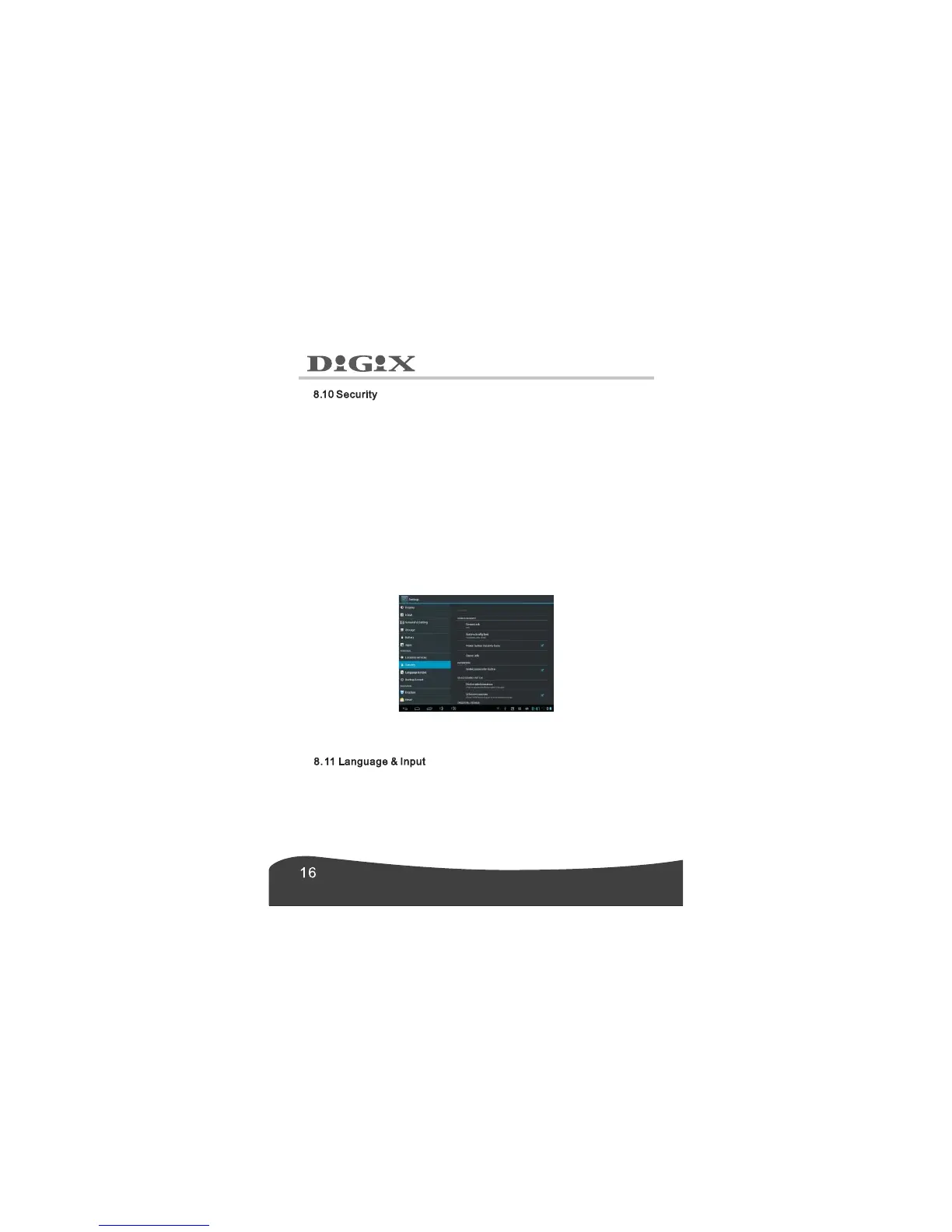
1. Screen Security.
To set screen lock, press Screen lock →choose from None, Slide, Pattern,
PIN and Password.
2. Passwords.
To show password as you type, press Make passwords visible.
If the password is forgotten or lost, it is retrievable through the Google
Account synced to the tablet.
Note: Irretrievable passwords are not covered under the warranty.
3. Device administration.
To view or deactivate device administrators, press Device administrators.
4. Credential Storage.
5. Unknown sources.
To allow installation of application provided by the unauthorized electronic
market, press Unknown sources.
6. Trusted credentials.
To view trusted CA certificates, press Trusted credentials.
7.Install from SD card.
To install certificates from SD card, press Install from SD card.
In this item, you can set the language, Spell checker, Personal
dictionary, Default, Android keyboard, Google voice typing, Voice
search, Text-to-speech output and Pointer speed.


 To Next Page
 Loading...