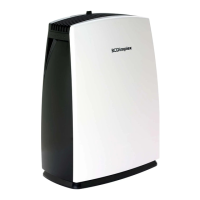
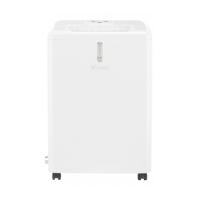
OPERATING INSTRUCTIONS
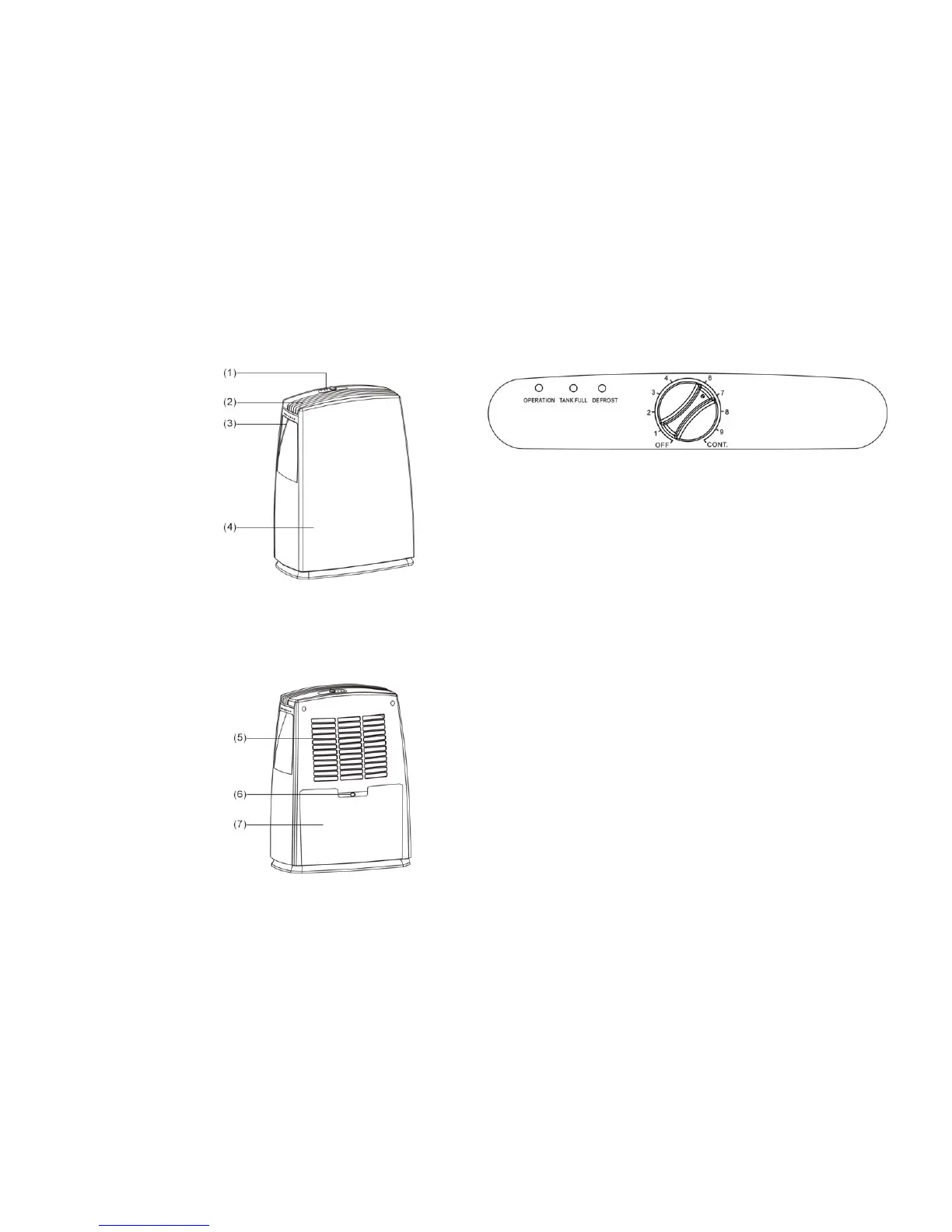
1. Control panel
2. Air outlet
3. Handle
4. Front panel
5. Back panel
6. Water outlet hole
7. Water tank
CONTROL PANEL DESCRIPTION
OPERATING INSTRUCTION
Starting the unit
1. First, turn the humidity control switch to the “OFF” position.
2. Plug in the dehumidifier.
3. Turn on the humidity control switch (clockwise) and turn the same switch
to the reading of the desired humidity(60% in general is shown on
position”4”).
Turning off the unit
1. Turn the humidity control switch anti-clockwise to the “OFF” position and
the power supply is cut off and the unit stops operation.
2. If the dehumidifier is not in use for a long time, please disconnect the
power cord plug from the wall outlet.
PRECAUTIONS
1. The dehumidifier will not operate if the humidity setting is higher than the
ambient humidity.
2. Drain the water in the water storage tank when the water tank is full and
the water level indicator light illuminates. Then install the empty water tank
back to its position, so the unit can continue its operation.
3. When the unit stops, you have to wait for 3 minutes before you can restart
the unit to protect the compressor from damage.
4. Follow below chart to identify the humidity and its related position number
on the humidity control switch:


 To Next Page