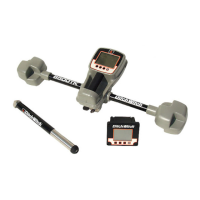
24 750/752 Tracker - OPERATION
BEACON TRACKING MODES
24 750/752 Tracker - OPERATION
BEACON TRACKING MODES
Roll Calibration
Calibrate roll display to 12:00 for use with mud motors or similar
tools:
1. Place beacon in housing. Place housing at the 12:00
position.
IMPORTANT: Depending on beacon insertion, tracker may
not show 12:00 roll.
2. Push and hold F/A/L/R key and press depth key for 3
seconds.
3. Continue pressing F/A/L/R key and roll will set to 12:00.
Reset to actual roll:
1. Push and hold F/A/L/R key and press depth key for 3
seconds.
2. Continue pressing F/A/L/R key and press down arrow key
once.
Roll Calibration
Calibrate roll display to 12:00 for use with mud motors or similar
tools:
1. Place beacon in housing. Place housing at the 12:00
position.
IMPORTANT: Depending on beacon insertion, tracker may
not show 12:00 roll.
2. Push and hold F/A/L/R key and press depth key for 3
seconds.
3. Continue pressing F/A/L/R key and roll will set to 12:00.
Reset to actual roll:
1. Push and hold F/A/L/R key and press depth key for 3
seconds.
2. Continue pressing F/A/L/R key and press down arrow key
once.



 To Next Page