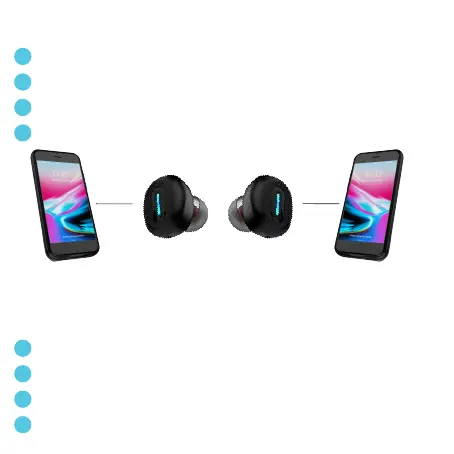
Connect each Nomad individually
1
2
3
4
REMOVE ”Nomad” from ALL your Bluetooth devices already connected.
Press BOTH “Nomad” 8 seconds until BOTH are flashing. Power o / restart.
Go to Bluetooth settings on each device, and choose «Nomad».
Nomad Left and Right can now be connected separately.
Connectez chaque Nomad individuellement
1
2
3
4
DISSOCIEZ ”Nomad” de TOUS vos appareils Bluetooth déjà connectés.
Appuyez 8 sec sur Nomad Gauche ET Droit, CHACUN clignote. Eteignez / Rallumez.
Allez dans les réglages Bluetooth de chaque appareil, et sélectionnez «Nomad».
Nomad Gauche et Droit peuvent maintenant être connectés individuellement.
1st device & Left Nomad
1er appareil & Nomad Gauche
Right Nomad & 2nd device
Nomad Droit & 2ème appareil



 To Next Page