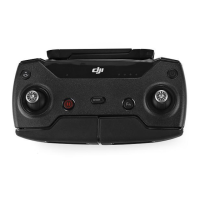
The Mission can also paused/resumed with the “pause” button on your remote
controller.
You can exit(2) from the “Mission screen” while a mission it is running(or paused),
now if you go to the normal “piloting screen” of the app, you will have a new
small toolbar for pause or stop the mission.
Tapping the rocket icon on this mission toolbar will bring you back to the mission
view.
(2)Require DJI remote controller
Mission + VR mode (3)
You can combine both functionality of the app, run a mission as explained above,
then pause the mission and enter in VR mode.


 To Next Page
 Loading...