46 47
1. Premere il pulsante Play/Pause per 3 secondi per annullare la
connessione Bluetooth corrente.
2. Premere e tenere premuti i pulsanti +/-, quindi premere il tasto
. Questo cancellerà i dispositivi Bluetooth memorizzati e an-
che la connessione di accoppiamento stereo.
3. Quando la memoria Bluetooth viene cancellata, è necessario
ricollegare i dispositivi di riproduzione dopo questa procedura.
DOCKIN è un marchio di
Ströer Products GmbH | Torstr. 49 | 10119 Berlin
Domande? Problemi?
info@dockin.de
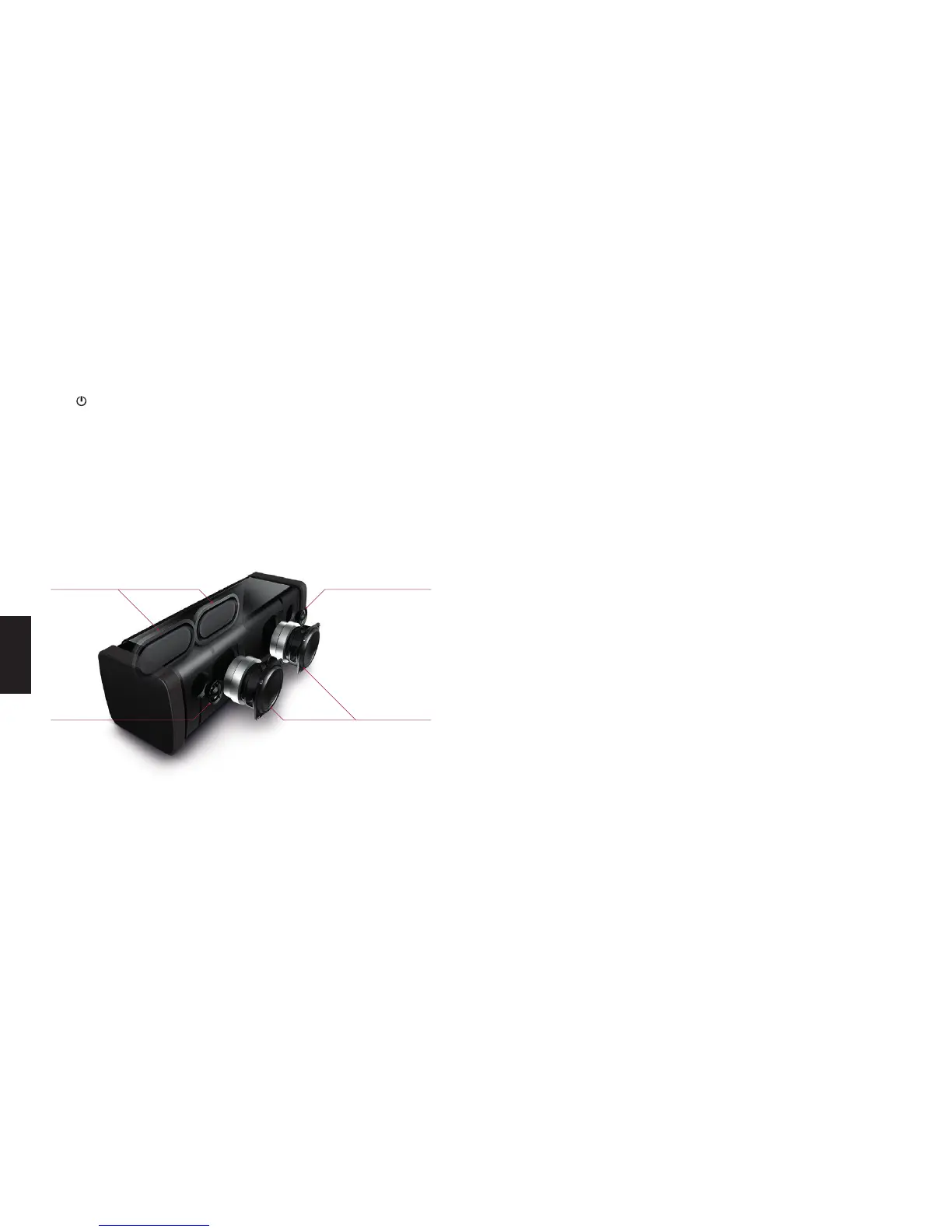
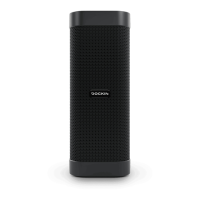
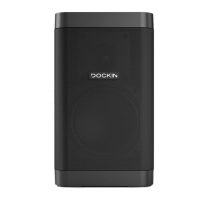
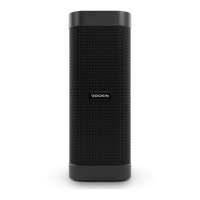
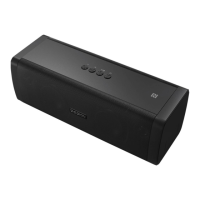
POSIZIONE DEGLI SPEAKER
2 Low frequency driver
2 Passive radiators
Right high
frequency driver
Left high
frequency driver
IT
This device complies with Part 15 of the FCC Rules. Operation is
subject to the following two conditions: (1) this device may not cause
harmful interference, and (2) this device must accept any interfe-
rence received, including interference that may cause undesired
operation.
FCC
Changes or modications not expressly approved by the party re-
sponsible for compliance could void the user’s authority to operate
the equipment.
This equipment has been tested and found to comply with the li-
mits for a Class B digital device, pursuant to Part 15 of the FCC
Rules. These limits are designed to provide reasonable protection
against harmful interference in a residential installation. This equip-
ment generates, uses and can radiate radio frequency energy and,
if not installed and used in accordance with the instructions, may
cause harmful interference to radio communications. However, the-
re is no guarantee that interference will not occur in a particular
installation.
If this equipment does cause harmful interference to radio or tele-
vision reception, which can be determined by turning the equipment
o and on, the user is encouraged to try to correct the interference
by one or more of the following measures:
• Reorient or relocate the receiving antenna.
• Increase the separation between the equipment and receiver.
• Connect the equipment into an outlet on a circuit dierent from
that to which the receiver is connected.
• Consult the dealer or an experienced radio/TV technician for
help.


 To Next Page