8 9
Bluetooth pairing not successful:
• Make sure that your D FINE + is not already connected with
another device (then disconnect).
• Ensure that your device is within a few meters to your D FINE +.
• Ensure that Bluetooth is activated on your device.
• Deactivate & reactivate Bluetooth on your device.
• Turn your D FINE + off and on again.
Full reset:
To solve unexpected behavior during pairing the Bluetooth and pairing
memory can be cleared.
1. Press the Play / Pause button for 3 seconds to cancel the cur-
rent Bluetooth connection
2. Press and hold the + / - buttons, then press the -button. This
will clear the stored Bluetooth devices and also the stereo pai-
ring connection.
3. As the Bluetooth memory is cleared you need to reconnect your
playback devices after this procedure.
PACKAGE CONTENT
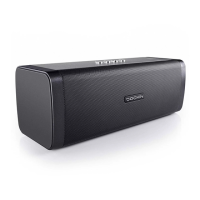
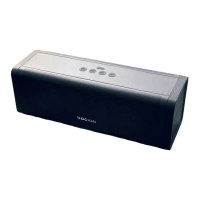
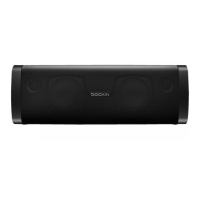
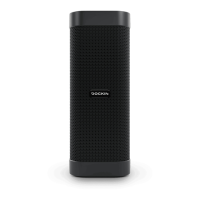
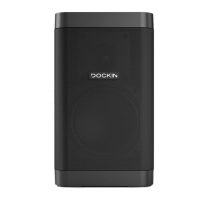
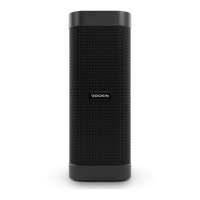
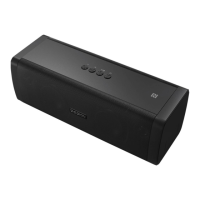
• D FINE + speaker
• AC power adapter
• AUX cable
• Manual
MICRO USB SERVICE PORT
The micro USB port on the side of your D FINE + is used exclusively
for technical service. Do not plug anything into this port.
POWER BANK FUNCTION
The power bank function enables you to charge your source device
with your D FINE +. Connect it by using a USB cable with the USB
output.
ADDITIONAL NOTES
Always store your D FINE + fully charged and charge it regularly
(every 2-3 months). As with all lithium ion batteries this is important
to maintain battery performance.
SPECIFICATIONS
Bluetooth: 4.2 + aptX
Output power: 50W RMS
USB Output: USB-A, 5V – 1A
Music playback time: 14h
Battery type: Lithium ion (9.000 mAh)
Measurements: 285 x 100 x 103mm
Weight: 1,930g
EN
EN
TROUBLE SHOOTING
WARNING
Batteries ( battery pack or batteries installed ) shall not be exposed
to excessive heat such as sunshine, fire or the like.


 To Next Page