on passive direct boxes.
• Flat frequency response.
• Operates with battery or phantom power.
• Ground isolation switch.
• Internal pad for speaker level input.
Operation of the AC 275
• Connect the output of the high impedance source to
the input of the AC275.
• Connect the low impedance output of the AC275 to a
mixing console or other low impedance input.
Connect the unbalanced 1/4” tip-sleeve output to a
high impedance input (if desired). This output is
hard-wired to the input.
• Set the ground lift switch to the position with the least
amount of hum or noise.
• Set pad switch to INSTRUMENT for line level input
sources or to SPEAKER for speaker level input
sources. Set power selector switch to ON for battery
power or to OFF for phantom power.
NOTE: To preserve battery life, set power selector switch
to OFF when AC275 is not in use.
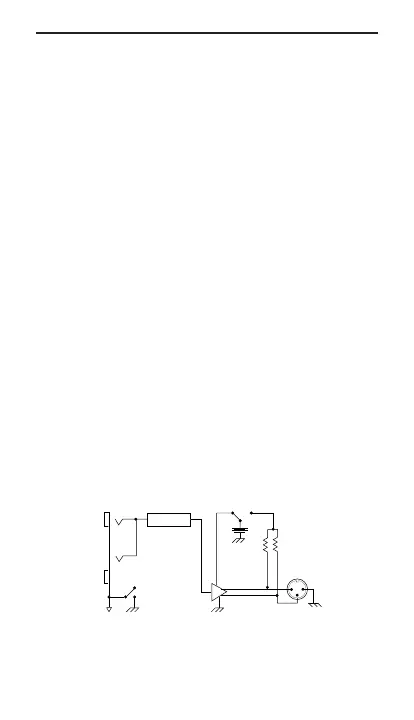
Block Diagram AC275
Specifications of the AC 275
+
+
-
-12dB (INST)
-40dB (SPKR)
PAD
Battery
Phantom Power
Balanced
Low-Z
Output
1
2
3
Left
Ground
Unbalanced
Output
Unbalanced
Hi-Z Input



 To Next Page