157
Controls in detail
Operating system with steering wheel buttons*
3
In the Operation menu, you can select
the following functions using the
j
or
k button:
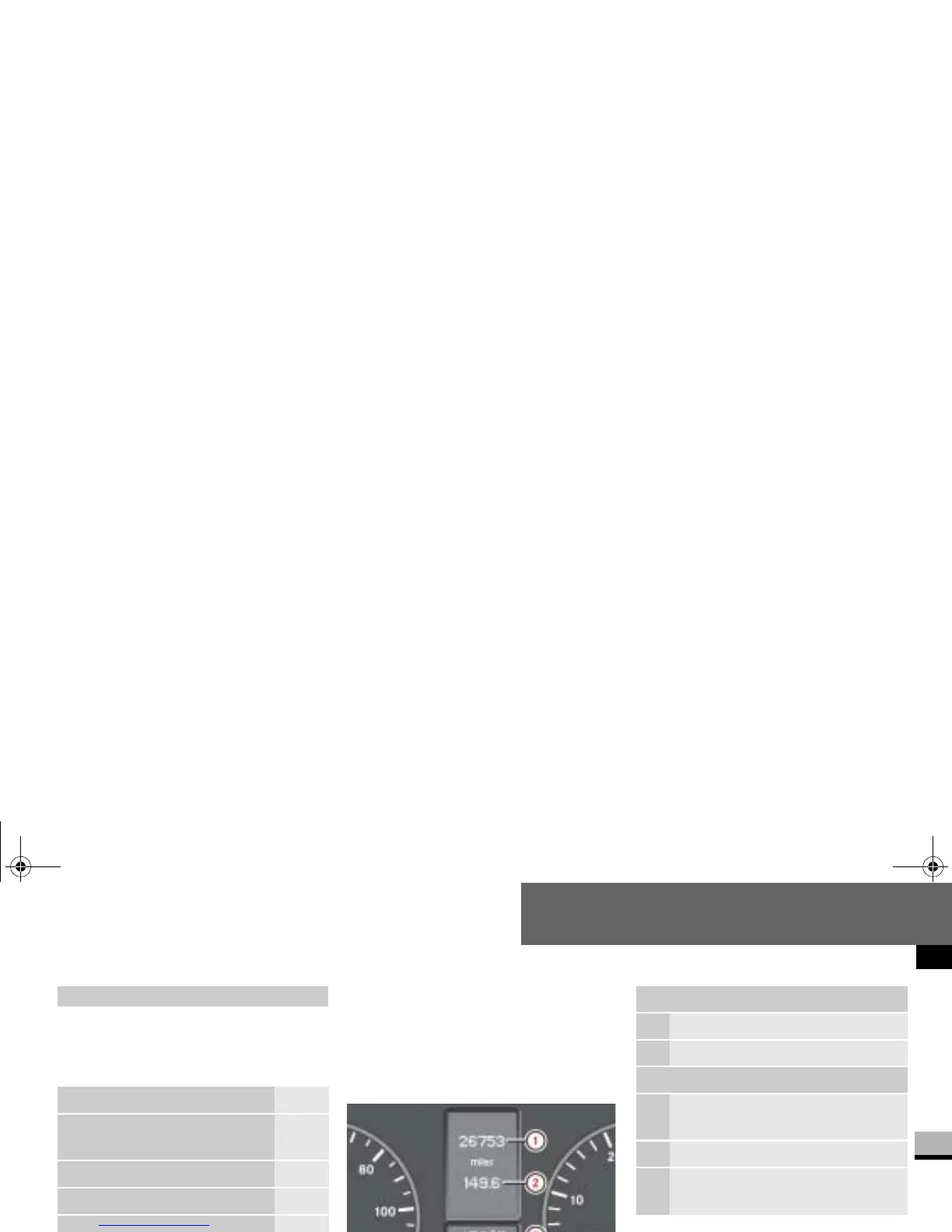
Standard display
In its basic setting, you will see the
odometer and the trip meter in the up-
per part of the display. This is referred to
as the standard display.
If you see a different display, press
the
è or ÿ button repeatedly
until the standard display appears.
Operation menu
Function Page
Standard display with trip
meter and odometer
157
Display coolant temperature 158
Call up the service due date* 411
Tire pressure monitor 365
Check the engine oil level
(only on vehicles with a diesel
engine)
326
N54.32-2280-31
Upper part of the display
1
Trip meter
2
Odometer
Lower part of the display
3
Outside temperature* or digital
speedometer
4
Time
5
Selector lever position or current
shift range
nf_BA.book Page 157 Friday, January 25, 2008 3:53 PM














 To Next Page