169
Controls in detail
Operating system with steering wheel buttons*
3
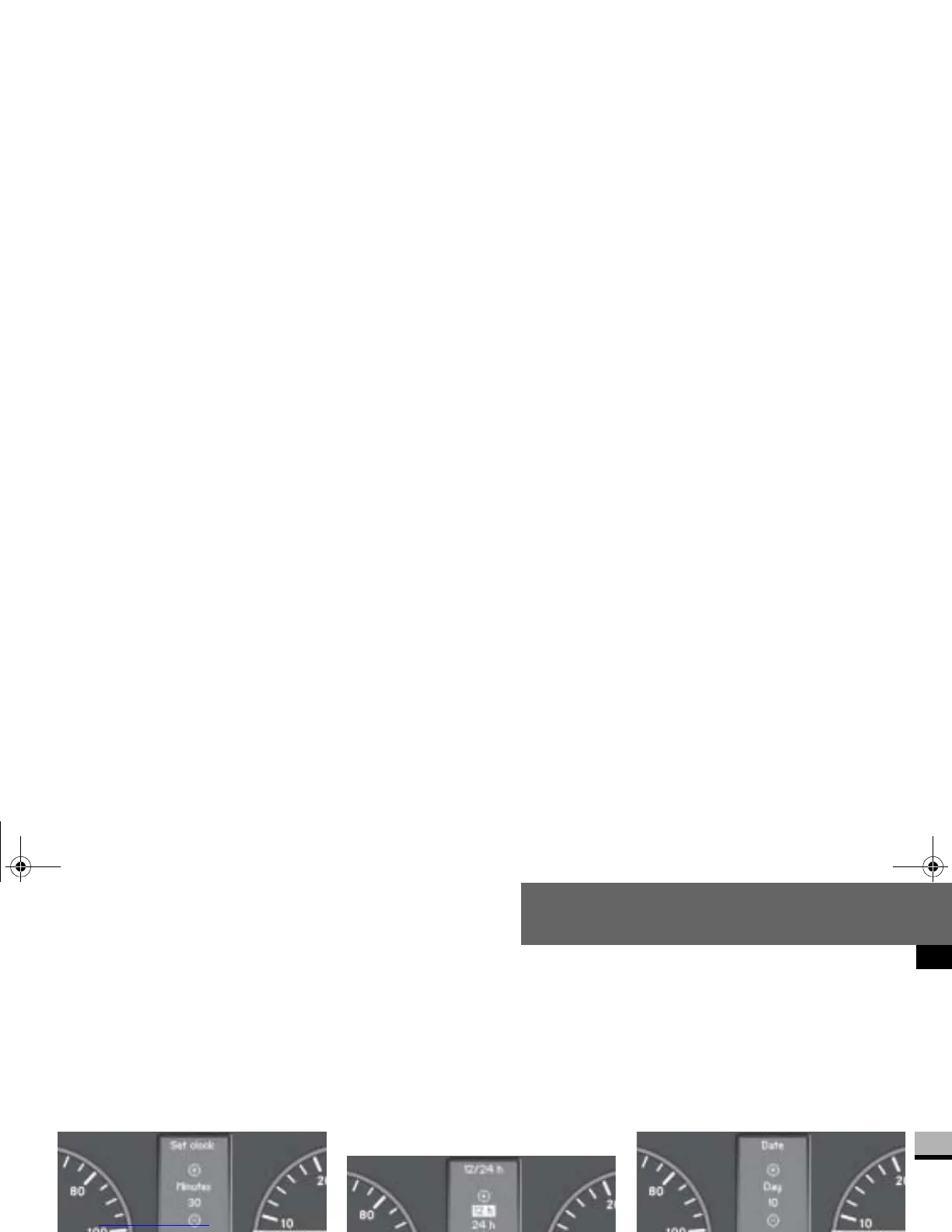
Setting the minutes
Select the
Clock/Date
submenu us-
ing the
æ or ç button.
Press the j or k button re-
peatedly until you see the
Set clock
Minutes
message in the display.
Set the minutes by pressing the
æ or ç button.
Selecting the time format
Select the
Clock/Date
submenu us-
ing the
æ or ç
button.
Press the j or k button re-
peatedly until you see the
12/24 h
message in the display.
The current setting is highlighted.
Use the æ or ç button to se-
lect the
12 h
or
24 h
clock format.
Setting the day
Select the
Clock/Date
submenu
using the
æ or ç button.
Press the j or k button re-
peatedly until you see the
Date Day
message in the display.
Set the day by pressing the æ or
ç button.
N54.32-2263-31
N54.32-2264-31
nf_BA.book Page 169 Friday, January 25, 2008 3:53 PM














 To Next Page