269
Controls in detail
Driving systems
3
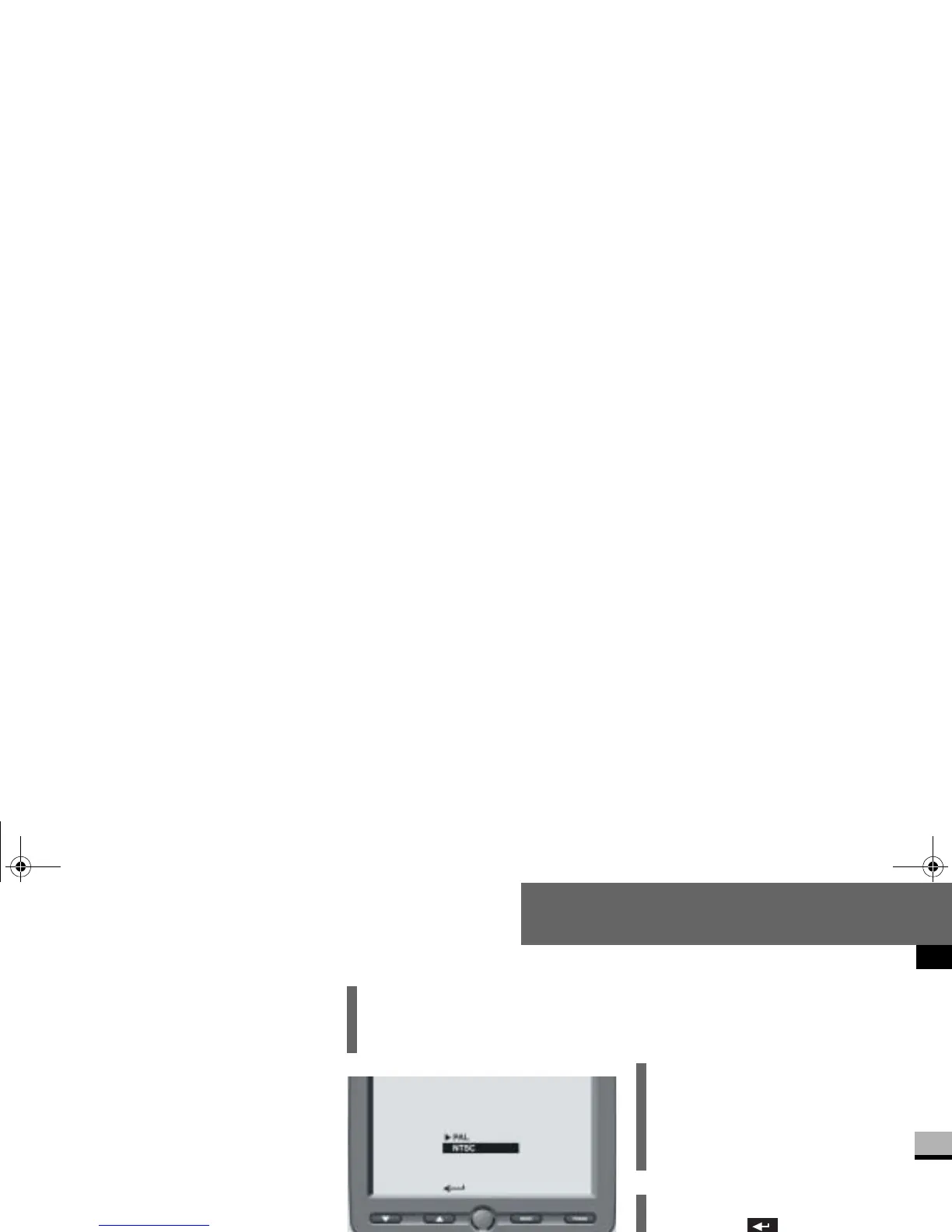
Norm menu
You can set the monitor’s video stan-
dard in the
Norm
menu.
Press the m button.
The main menu (menu level 1) is
displayed (
page 263).
Press the % or $ button until
the
Norm
menu is highlighted.
Press the m button.
The submenu (menu level 2) is
displayed.
Press the % or $ button until
the desired video standard is
highlighted.
Press the m button.
The required video standard is
activated.
i
The active video standard is identi-
fied by the
symbol.
i
The rear view camera’s video signals
conform to the NTSC standard. PAL
should usually be selected for stan-
dard video signals.
i
If you select and press the
m button, the monitor will revert
to the main menu (menu level 1)
(
page 263).
nf_BA.book Page 269 Friday, January 25, 2008 3:53 PM














 To Next Page