533
Practical hints
Changing bulbs
5
Changing the rear bulbs (chassis)
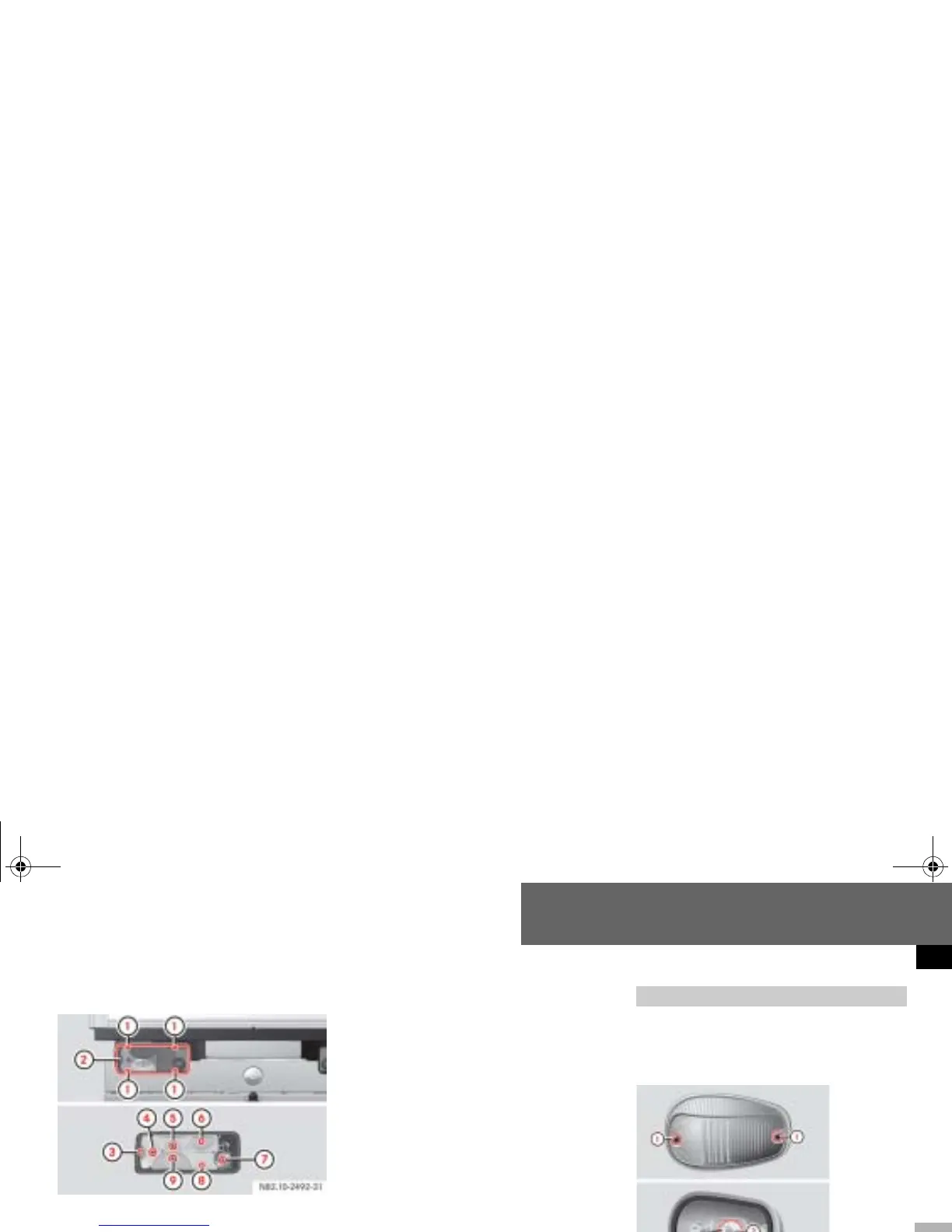
Example illustration of chassis
1 Securing screws
2 Lens
3 Perimeter lamp, side marker
4 Turn signal lamp
5 Brake lamp
6 Tail lamp
7 Rear foglamp (driver’s side)
8 License plate lamp
9 Reverse lamp
Switch off the lighting.
Undo screws 1 and remove lens
2.
Press the bulb into the bulb holder
and screw it out in a counterclock-
wise direction.
Press the new bulb into the bulb
holder and screw it in clockwise.
Replace lens 2 and retighten
screws
1.
Switch off the lighting.
Identification lamps W 5 W (cab
chassis only)
Changing additional bulbs
1 Securing screws
2 Bulb holder
nf_BA.book Page 533 Friday, January 25, 2008 3:53 PM














 To Next Page