• Rear 2 select mode information is shown on the right
side of the screen.
• The VES will retain the last setting when turned off.
Using The Touch-Screen Radio Controls
1. Press the MENU hard-key on the radio faceplate.
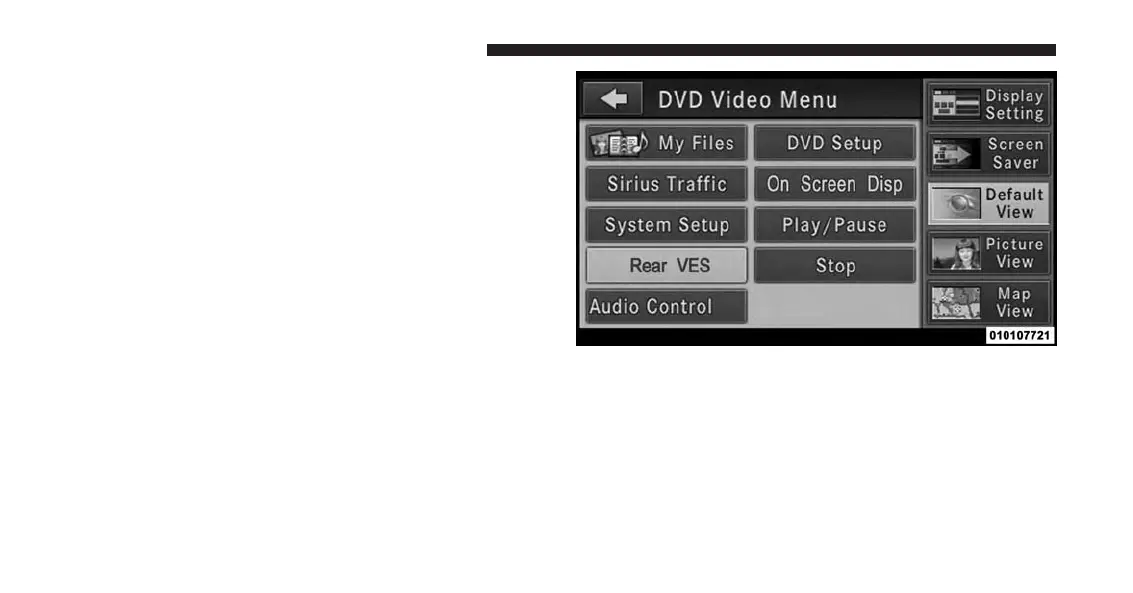
2. Touch the Rear VES soft-key to display the Rear VES
Controls. If a channel list is displayed, touch the HIDE
LIST soft-key to display the Rear VES Controls screen.
3. Touch the 1 or 2 soft-key and then the DISC soft-key in
the VES column. To exit touch the back arrow soft-key
at the top left of the screen.
Rear VES Soft-key
392 UNDERSTANDING YOUR INSTRUMENT PANEL














 To Next Page