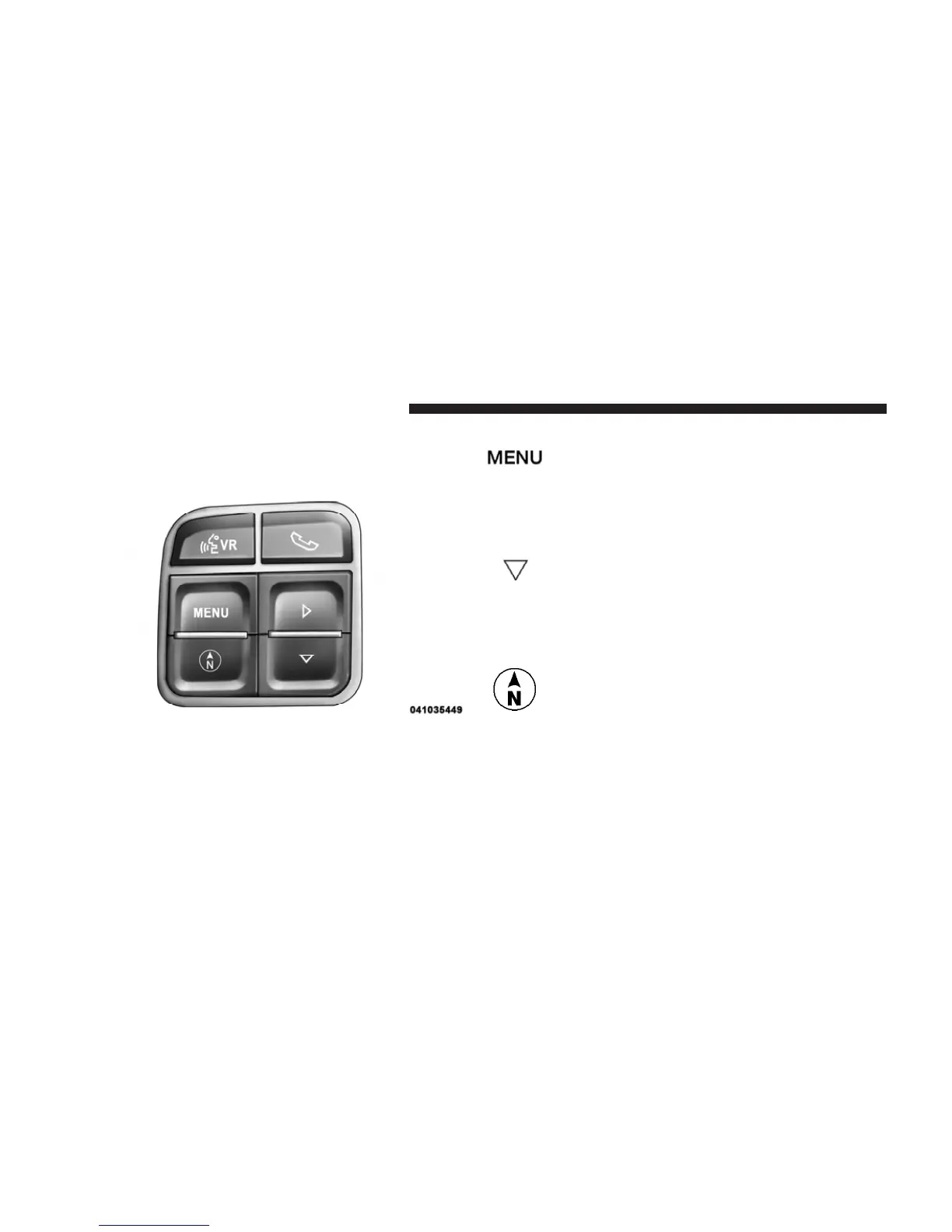
The system allows the driver to select information by
pressing the following buttons mounted on the steering
wheel:
Press and release the MENU button to advance
the display to Trip Functions or Personal Set-
tings or to return to the default System Status
display.
Press and release the DOWN button to advance
the display through the various Trip Functions
or Personal Settings.
Press and release the COMPASS button to
display the compass heading and the out-
side temperature.
EVIC Steering Wheel Buttons
MENU
Button
DOWN
Button
COMPASS
Button
204 UNDERSTANDING YOUR INSTRUMENT PANEL










 To Next Page