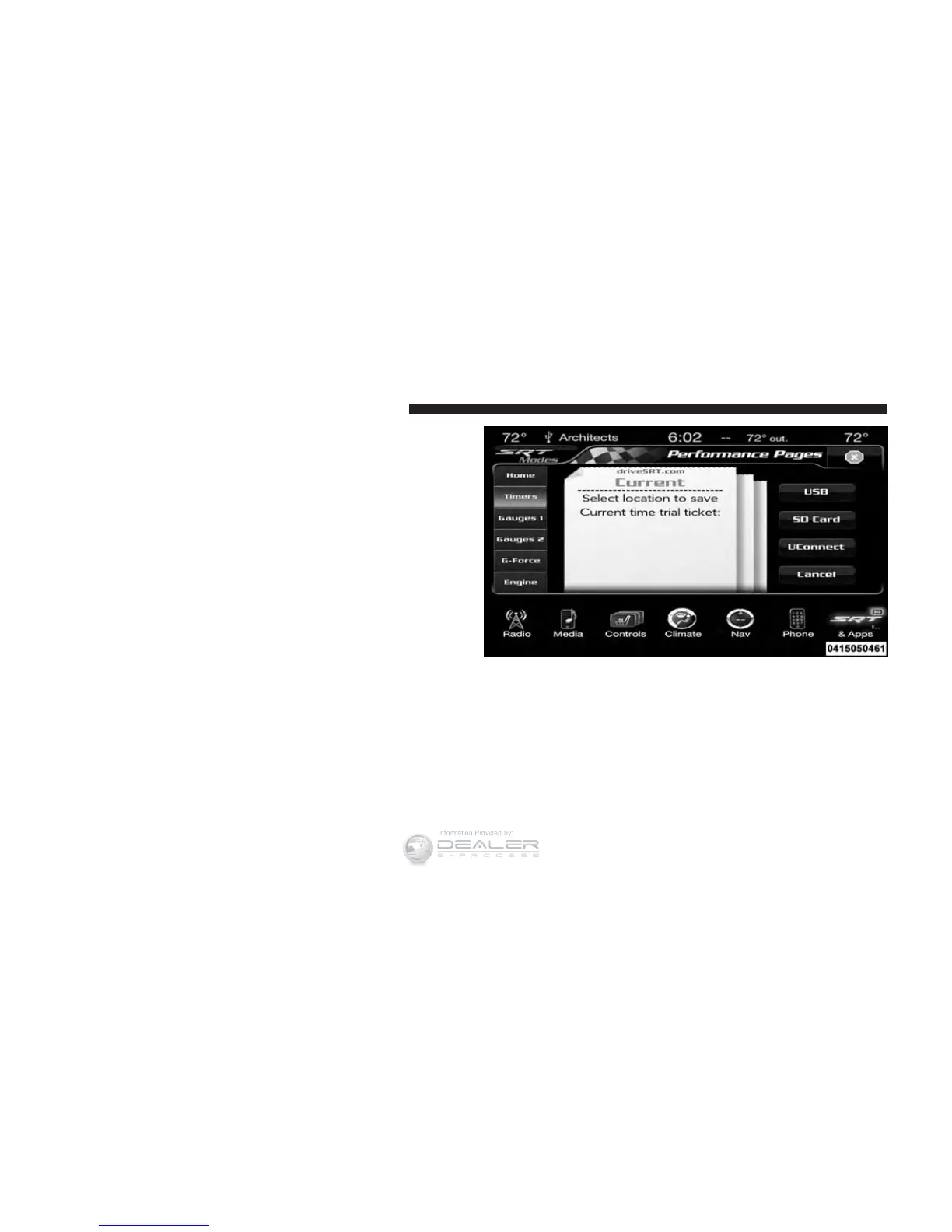
When the Timers Page is selected you will be able to
select from following “Tickets”:
• Current
Pressing the “Current” button displays a “real time”
summary of performance timers.
• Last
Pressing the “Last” button displays the last recorded run
of performance timers.
• Best
Pressing the “Best” button displays the best recorded run
of performance timers, except for braking data.
• Save
Pressing the “Save” button will let you save the last run.
Any saved run over 10, will overwrite the last saved run
for Uconnect® System storage. The operation of the Save
feature is listed below:
• With a USB jump drive installed, press the “USB”
button to save runs to the jump drive.
• With an SD Card installed, press the “SD Card” to save
runs to the SD Card.
SRT Performance Pages — “Save”
270 UNDERSTANDING YOUR INSTRUMENT PANEL












 To Next Page