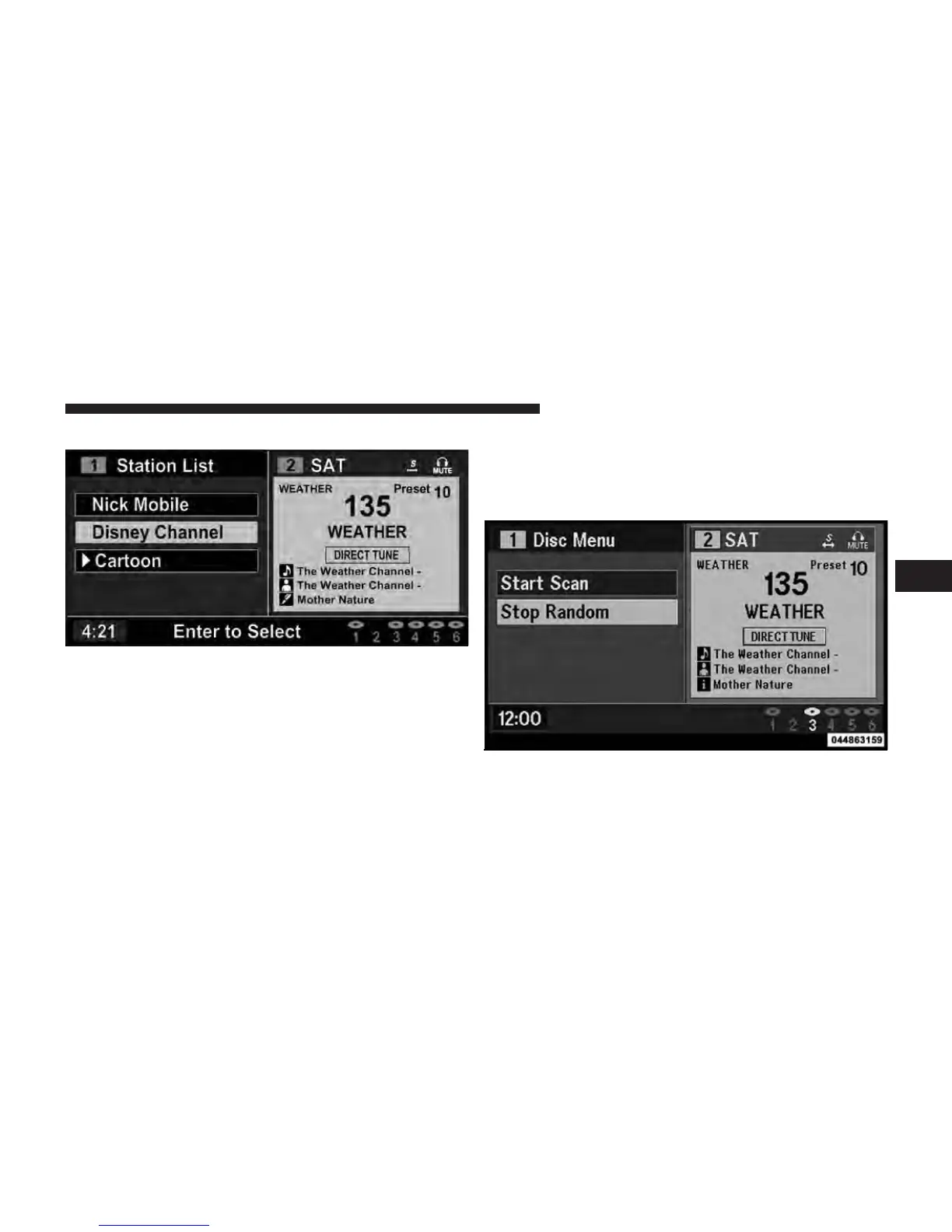
Station List Menu
When listening to Satellite audio or watching SIRIUS
Backseat TV™ (if equipped), pressing the remote con-
trol’s MENU button displays a list of all available chan-
nels. Navigate this list using the remote control’s naviga-
tion buttons (䉱, 䉲) to find the desired station, press the
remote control’s ENTER button to tune to that station. To
jump through the list more quickly, navigate to the Page
Up and Page Down icons on the screen.
Disc Menu
When listening to a CD Audio or CD Data disc, pressing
the remote control’s MENU button displays a list of all
Channel Selection Menu For SIRIUS Backseat TV™
Disc Menu For CDs
4
UNDERSTANDING YOUR INSTRUMENT PANEL 417















 To Next Page