•
After the four-digit password is entered, press the
remote control’s ENTER button. If the password is
correct, the set password screen is displayed.
•
Using the remote control’s Up and Down cursor
buttons to set the value for the current digit and the
remote control’s Right cursor button to select digits,
enter the new password.
•
After the four-digit password is entered, press the
remote control’s ENTER button to accept the change.
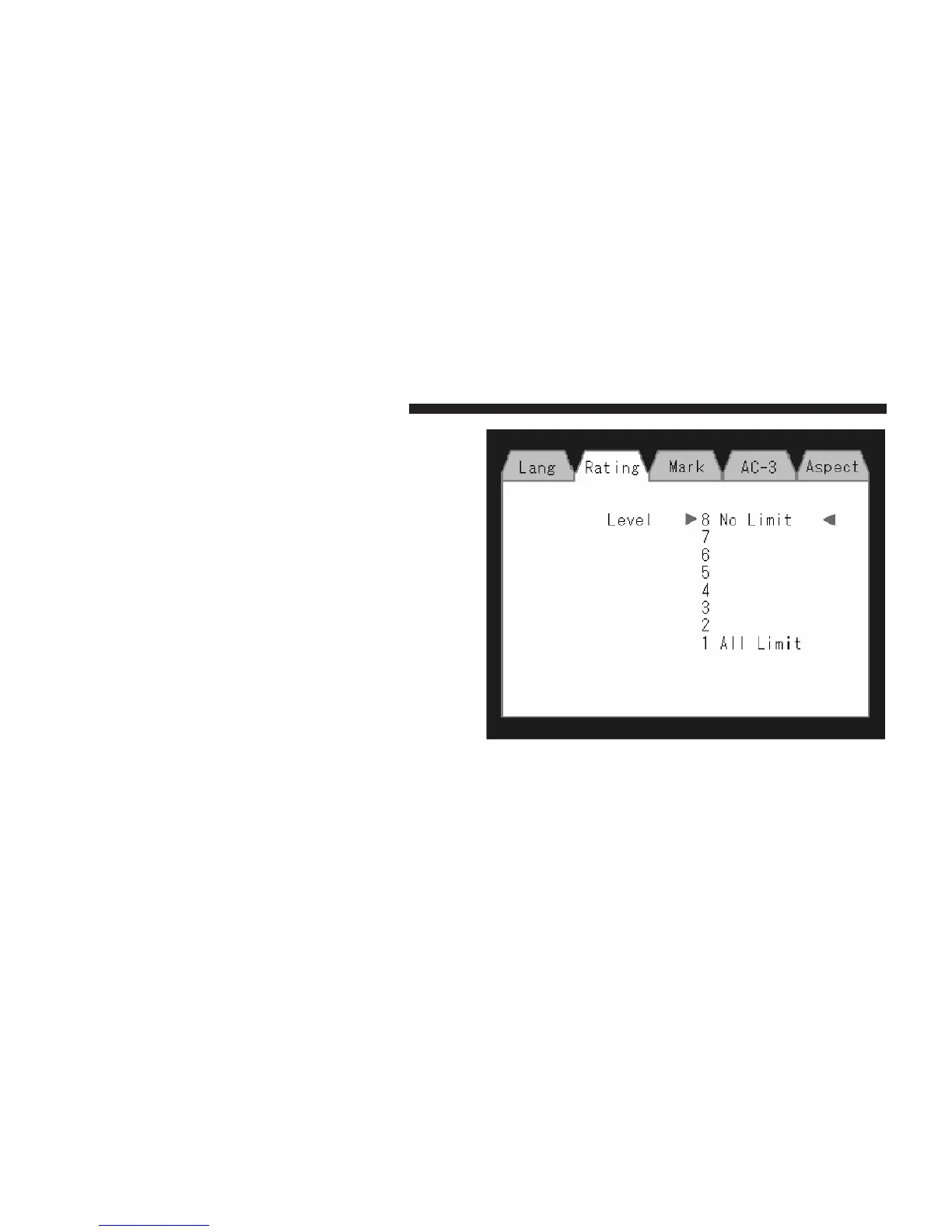
DVD Player Level Menu
426 UNDERSTANDING YOUR INSTRUMENT PANEL















 To Next Page