MULTIMEDIA 363
After selecting the specific trailer, the following programmable options become available:
Audio
After pressing the Audio button on the touchscreen, the following settings will be available:
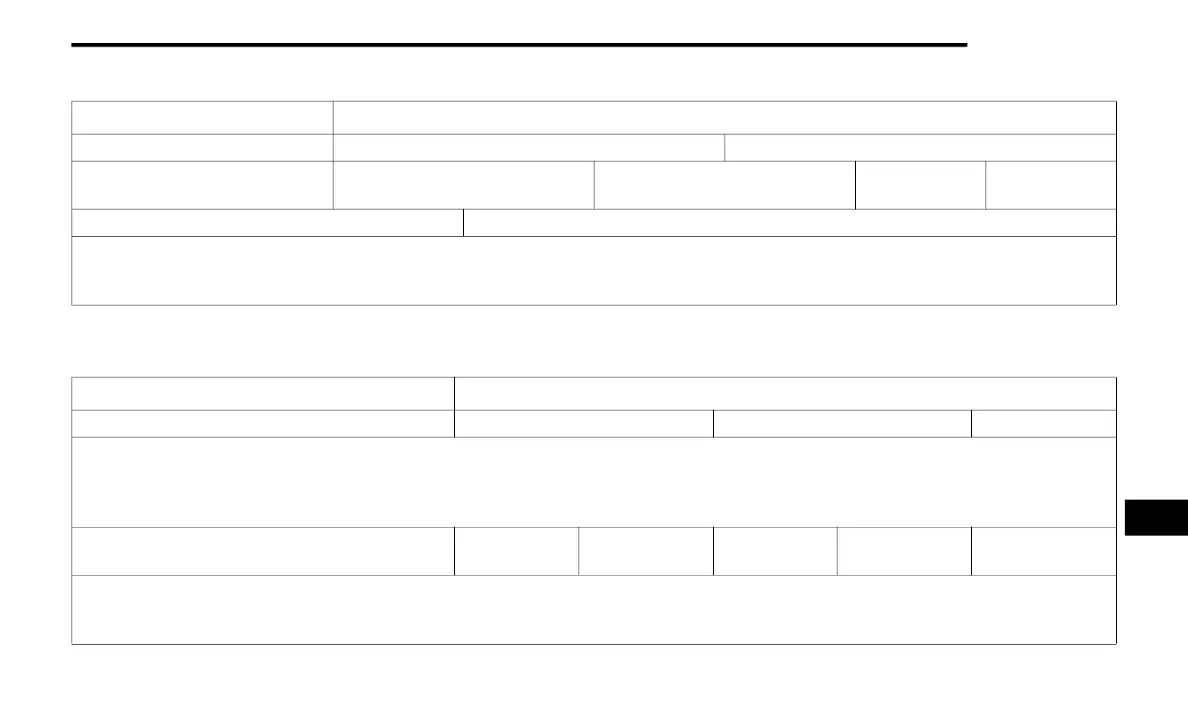
Setting Name Selectable Options
Use This Trailer On Off
Braking Light Electric Light Electric Over Hydraulic Heavy Electric
Heavy Electric
Over Hydraulic
Trailer Name List of Trailer Names
NOTE:
You can select and personalize your trailer name depending on the type of trailer you are hauling. Select the trailer name from the following list: trailer,
boat, car, cargo, equipment, flat, livestock, horse, motorcycle, snowmobile, travel, and utility.
Setting Name Selectable Options
Equalizer Bass Mid Treble
NOTE:
When in this display, you may adjust the “Bass”, “Mid”, and “Treble” settings. Adjust the settings with the + and – setting buttons on the touchscreen
or by selecting any point on the scale between the + and – buttons on the touchscreen. Bass/Mid/Treble also allow you to simply slide your finger up
or down to change the setting as well as press directly on the desired setting.
Balance/Fade
Up Arrow
Button
Down Arrow
Button
Left Arrow
Button
Right Arrow
Button
Center C Button
NOTE:
When in this display, you may adjust the “Balance/Fade” of the audio by using the Arrow button on the touchscreen to adjust the sound level from
the front and rear or right and left side speakers. Press the Center C button on the touchscreen to reset the balance and fade to the factory setting.
9
20_WD_OM_EN_USC_t.book Page 363















 To Next Page