MULTIMEDIA 397
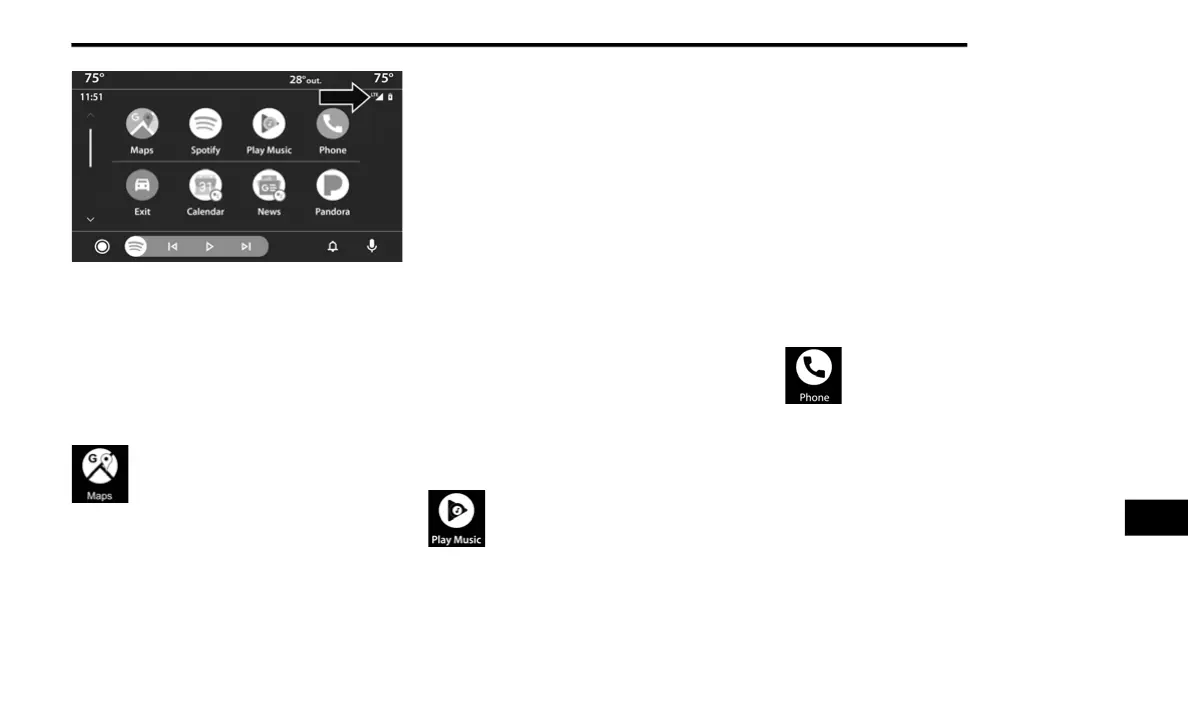
Signal Strength
NOTE:
Requires compatible smartphone running
Android™ 5.0 or higher and download app on
Google Play. Android™, Android Auto™ and
Google Play are trademarks of Google Inc.
Android Auto™ Maps
Push and hold the VR button on the
steering wheel or tap the microphone
icon to ask Google to take you to a
desired destination by voice. You can
also touch the Navigation icon in Android Auto™
to access Google Maps™.
NOTE:
If the VR button is not held, and is only pushed,
the built-in Uconnect VR prompts you and any
navigation command said launches the built-in
Uconnect navigation system.
While using Android Auto™, Google Maps™
provides voice-guided:
Navigation
Live traffic information
Lane guidance
For further information, refer to
www.android.com/auto/
(US Residents)
https://
www.android.com/intl/en_ca/auto
(Canadian
Residents).
For further information on the navigation
function, please refer to https://
support.google.com/android or https://
support.google.com/androidauto/.
Android Auto™ Music
Android Auto™ allows you to access
and stream your favorite music with
apps like Google Play Music,
iHeartRadio, and Spotify. Using your
smartphone’s data plan, you can stream
endless music on the road.
NOTE:
Music apps, playlists, and stations must be set
up on your smartphone prior to using Android
Auto™, for them to work with Android Auto™.
NOTE:
To see the metadata for the music playing
through Android Auto™, select the Uconnect
System’s media screen.
For further information refer to https://
support.google.com/androidauto.
Android Auto™ Communication
With Android Auto™ connected, push
and hold the VR button on the steering
wheel to activate voice recognition
specific to the Android Auto™. This will
allow you to send and reply to text messages,
have incoming text messages read out loud, and
place and receive hands-free calls.
Android Auto™ Apps
The Android Auto™ App will display all the
compatible apps that are available to use with
Android Auto™, every time it is launched. You
must have the compatible app downloaded,
and you must be signed in to the app for it to
work with Android Auto™.
9
20_WD_OM_EN_USC_t.book Page 397















 To Next Page