GETTING TO KNOW YOUR VEHICLE 65
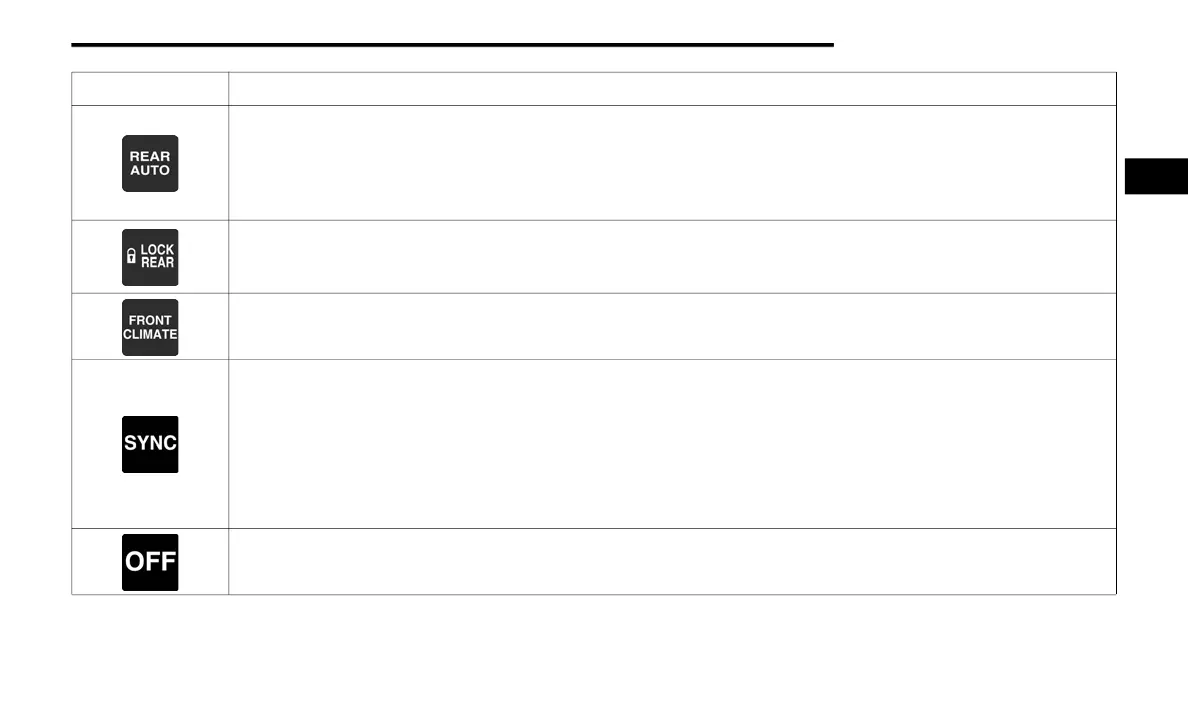
REAR AUTO Button
Press and release this button on the touchscreen to change the current setting. The REAR AUTO indicator will illuminate when
REAR AUTO is on. This feature automatically controls the rear interior cabin temperature by adjusting airflow distribution and
amount. Toggling this function will cause the rear system to switch between manual mode and automatic modes. Refer to
“Automatic Operation” within this section for further information.
LOCK REAR Button
Press and release this button to lock out the rear manual temperature controls from adjusting the rear temperature and
blower settings. The LOCK REAR indicator will illuminate when LOCK REAR is on.
Front Climate Button
Press and release to return to the Front Climate Control Screen.
SYNC Button
Press the SYNC button on the touchscreen to toggle the SYNC feature on/off. The SYNC indicator will illuminate when SYNC is
on. SYNC is used to synchronize the front passenger temperature and rear passenger temperature, mode, and blower settings
with the driver temperature, mode, and blower settings. Changing the front passenger temperature or rear passenger
temperature, mode, or blower settings while in SYNC will automatically exit this feature.
NOTE:
The SYNC button is only available on the touchscreen.
Rear Climate Control OFF Button
Press and release this button to turn the Rear Climate Control ON/OFF.
Icon Description
2
20_WD_OM_EN_USC_t.book Page 65















 To Next Page