•
Audio Modes display
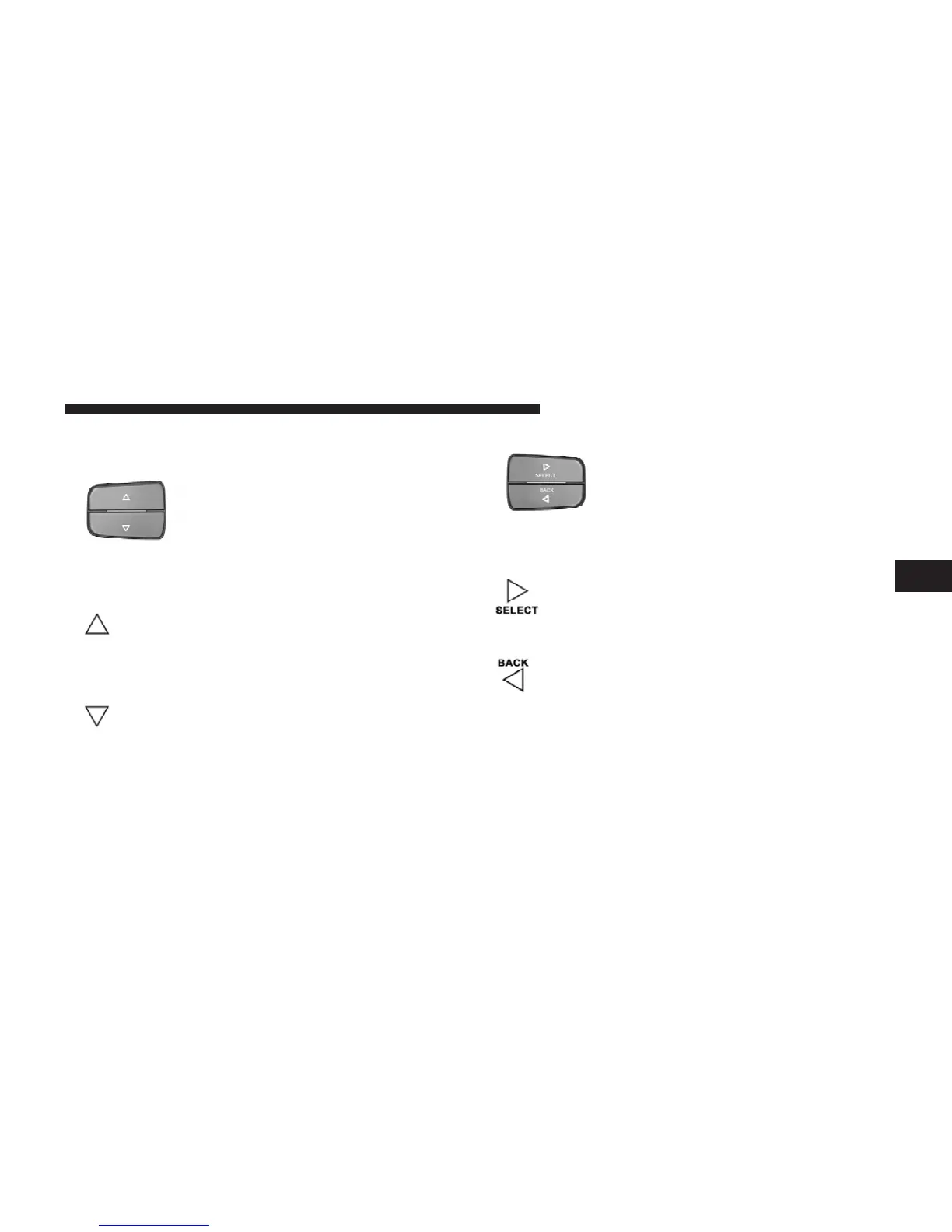
Steering wheel EVIC control button, as
it appears on the left side of the steer-
ing wheel.
Press and release the UP button to scroll up-
ward through the main menus (DTE, mi/gal,
System Info, Messages, Units, Setup) and sub
menus.
Press and release the DOWN button to scroll
downward through the main menus and sub
menus.
Steering wheel EVIC control button as
it appears on the right side of the
steering wheel.
Press and release the SELECT button for access
to main menus, sub menus or to select a
personal setting in the setup menu.
Press the BACK button to scroll back to a
previous menu or sub menu.
4
UNDERSTANDING YOUR INSTRUMENT PANEL 221















 To Next Page