Note:
If the interface doesn’t pop up automatical-
ly, please open your phone browser and
HomeKit (ONLY for Apple users):
Step1:
Please open the WLAN setting page
of your iPhone (as Fig. 1), find and connect
the WiFi hotspot named as Homekit_xxxx.
After about 3s, WiFi configuration interface
will pop up automatically.
Note:
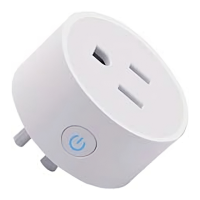
If the smart plug doesn’t blink slowly, please
long press the button for 5s to set it to this
mode.


 To Next Page