13
EN
Refrigerators Service Procedures
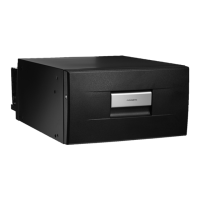
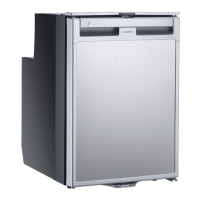
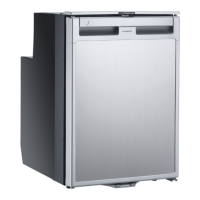
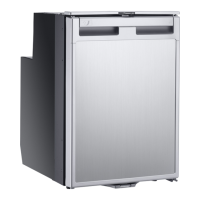
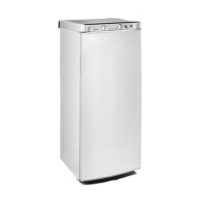
7.1 Replacing the Refrigerator
Replacement of the refrigerator will vary according to the
specific model, installation location and cabinetry, and
distributor specifications.
If replacement of the unit is required for any reason (such
as physical damage, loss of refrigerant liquid, or a faulty
compressor), refer to the appliance installation manual
for specific guidelines, and ensure that installation
complies with all applicable local or national codes.
I
For specific refrigerator information outside of what
is presented in this manual, refer to the appliance
installation manual at www.dometic.com.
7.2 Replacing the Control Module
6 Replacing the Control Module
I
The example figure shows the CRX model. Other
models may vary.
1. Disconnect the unit from power.
2. Make note of all designated wire locations on the
control module and remove all connected terminals.
3. Locate and remove the Phillips-head screw holding
the controller to the compressor.
4. Pull the control module away from compressor and
disconnect the connector with the three wires from
the side of the compressor.
5. Complete these steps in reverse order to install the
new module.
7.3 Replacing the Vent Cover and
Selector Mechanism
7 Replacing the Vent Cover and Mechanism
1. Locate and remove the four screws securing the vent
cover to the refrigerator unit.
2. Remove the vent cover.
3. Locate and remove the four screws securing the vent
selector mechanism to the unit.
4. Complete these steps in reverse order to install the
new vent cover and/or selector mechanism.
I
The vent selector mechanism has two available
positions: normal and vent. Ensure that the
mechanism is set to the desired position upon
replacement.



 To Next Page
 Loading...