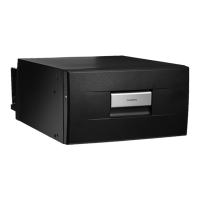
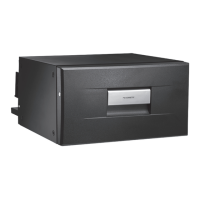
CD20, CD30 Operation
13
7.3 Selecting the temperature
The switch on the thermostat (see fig. 3 1, page 4) displays the selected
temperature.
➤ If you wish to set the temperature to cooling, turn the thermostat knob (see
fig. 3 1, page 4), to the desired temperature range.
7.4 Switching off the coolbox
I
➤ Open the coolbox drawer.
➤ To switch off the coolbox, turn the thermostat knob (see fig. 3 1, page 4) to the
“0” position.
✓ The coolbox is switched off.
➤ If you wish to stop using the coolbox, disconnect the connecting cable from the
battery.
Switch position
Temperature range (dependent of ambient temperature)
CD20 CD30
MAX approx. –2 °C (28.4 °F) in interior
MIN approx. +12 °C (53.6 °F) in interior
NOTE
If you wish to leave the cooling device switched off for a longer period,
clean it and leave the drawer slightly open. This will prevent unpleasant
odours from forming.
CD20-30-IO-US.book Seite 13 Montag, 29. Mai 2017 4:41 16


 To Next Page
 Loading...