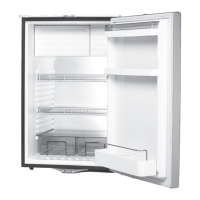
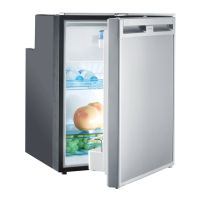
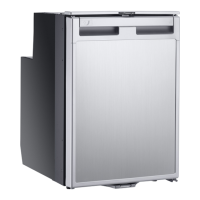
Using the refrigerator CoolMatic
26
Switching off and storing the refrigerator
If you do not intend to use the refrigerator for a long time, proceed as follows:
➤ Set the temperature control knob to level “0”.
The cooling unit is only switched off when you hear a click.
➤ Disconnect the power cable from the battery or pull the AC cable plug out of the
rectifier.
➤ Clean the refrigerator (see chapter “Cleaning and care” on page 27).
➤ Turn the locking wheel (fig. 9 1, page 6) anti-clockwise to the end stop
(“Vent”).
➤ Close the door until it latches in.
✓ The door stays open thus preventing smells from arising.
Replacing the interior light
If the interior light in the refrigerator is faulty, you can change the LED lamp
(DC 12 – 24 V, 0.3 W). When changing the lamp, only use LEDs which can be run
with 12 V and 24 V.
➤ Remove the cover.
➤ Pull the lamp (fig. 6 4, page 4) out of the sheet metal straps.
➤ Slide in the new lamp between the sheet metal straps, until it snaps into place.
Change the fuse (only DC/AC refrigerators).
If the fuse in the rectifier is faulty too, you can replace this too.
➤ Lever the fuse compartment (fig. g 3, page 9) open with a screwdriver.
➤ Replace the fuse (250 V/4 A).
➤ Close the fuse compartment again.
CR50-65-80-110-140--O-US.book Seite 26 Donnerstag, 13. Oktober 2016 2:37 14



 To Next Page
 Loading...