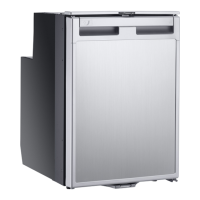
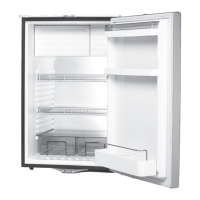
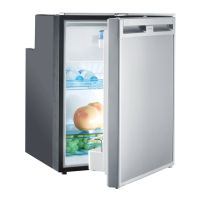
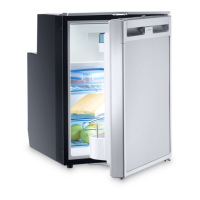
Using the refrigerator CRX PRO 0050T, CRX PRO 0065T
20
I
8.1 Saving energy
• Only open the refrigerator as often and for as long as necessary.
• Allow warm food to cool down first before placing it in the device to keep cool.
• Defrost your refrigerator as soon as a layer of ice forms.
• Avoid unnecessarily low temperature settings.
• For optimal energy consumption, position the shelves and drawers according to
their position on delivery.
• On a regularly basis, make sure the door seal still fits properly.
• Clean dust and dirt from the condenser at regular intervals.
8.2 Switching on the refrigerator
➤ Switch the refrigerator on by pressing the button.
I
8
8.3 Setting the temperature
➤ Press the button repeatedly until the desired temperature level is set. The
lower/largest LED is the coldest setting. The upper/smallest LED is the warmest
setting. To switch from the coldest level to the warmest level press the button
again.
NOTE
• Before starting your new refrigerator for the first time, you should
clean it inside and outside with a damp cloth for hygienic reasons
(please also refer to the chapter “Cleaning and maintenance” on
page 23).
• Do not use force to press the flap of the freezer.
• Do not pull out the dividing wall if there is ice in the freezer.
• Do not remove the control panel membrane when operating the
refrigerator.
NOTE
After switching on, the refrigerator needs some time before the
compressor starts up.
DometicCRXPRO0050T-CRXPRO0065T_IOM_4445103471_AMER3(en-fr-es)_202x-xx-xx.book Seite 20 Mittwoch, 28. Juli 2021 9:54 09


 To Next Page
 Loading...