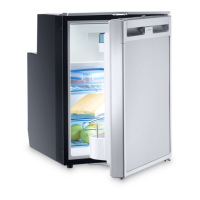
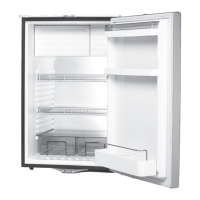
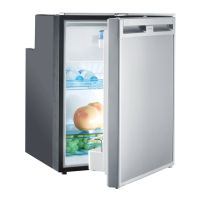
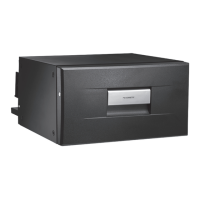
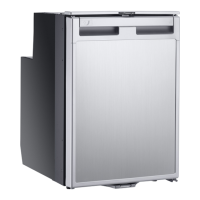
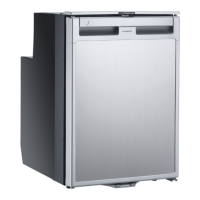
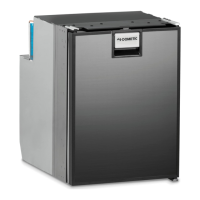
Installing and connecting the refrigerator HDC275
18
7.2 Installing the refrigerator
Observe the following instructions when installing:
• Install the refrigerator so that the warm air produced can easily flow away (either
upwards or to the sides, fig. 5, page 4).
Key for fig. 5, page 4
• Leave the device to stand for at least four hours before you connect it to the
power supply so that the oil can flow back into the compressor.
Proceed as follows to install the refrigerator:
➤ Shorten the sealing strip if required and fit it on the refrigerator (fig. 6, page 5).
➤ Install the refrigerator as shown in the illustrations (fig. 7, page 5 to fig. f,
page 6).
Please note the following:
–fig.8, page 5: You can make sure that the space between the refrigerator
and the installation opening is right by using the bottom hinge cover.
–fig.a, page 6: Remove the DX part for right-hand hinges and the SX part for
left-hand hinges.
➤ Fix the cover panel to the refrigerator door as shown in the illustrations (fig. g,
page 7 to fig. l, page 7).
No. Explanation
1 Cold intake air
2 Hot waste air
3 Spacing above the refrigerator if there is not sufficient air to circulate
above or at the side.
HDC275-IO-West.book Seite 18 Dienstag, 14. März 2017 8:41 20


 To Next Page
 Loading...