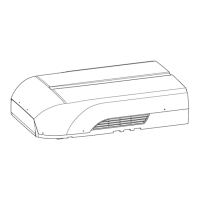
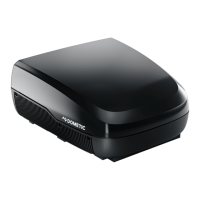
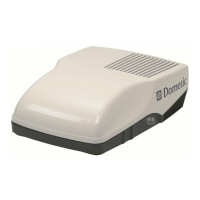
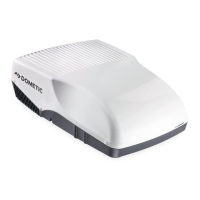
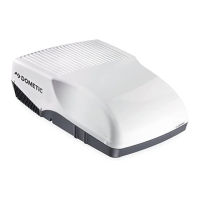
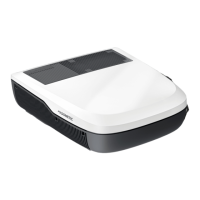
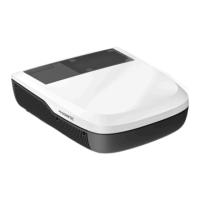
FreshJet3000 Technical description
11
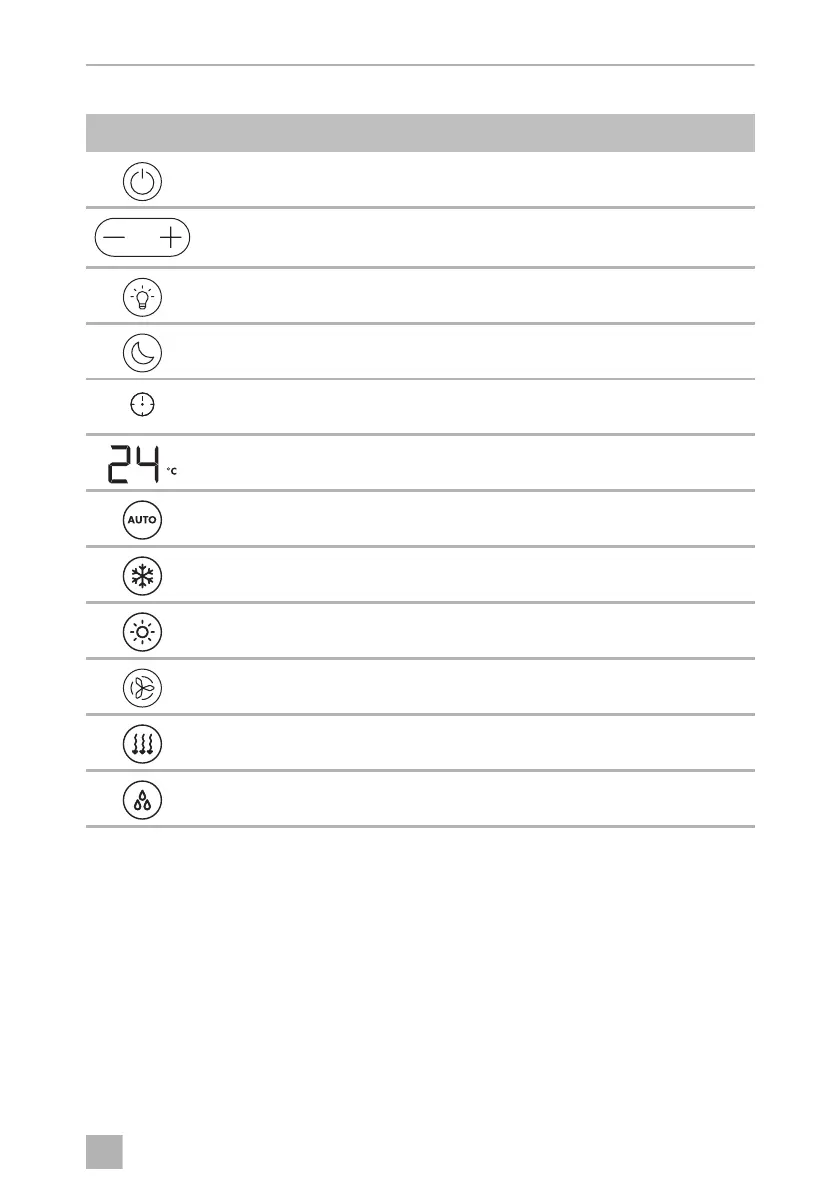
Control and display elements (fig. 2, page 3):
5.2 Remote control
All settings of the device (e. g. temperature settings, timer programming) are
transmitted to the roof air conditioner by remote control.
Symbol Explanation
Switches the roof air conditioner on or to stand-by mode.
+ button: Increases the currently displayed value.
– button: Reduces the currently displayed value.
Switches ON or OFF the ambient lights in the air outlet unit.
Activates the sleep function (chapter “Additional functions” on page 13).
Indicates the timer is set.
Displays the set temperature and indicates fan level when fan is adjusted.
Enables/disables automatic mode (chapter “Air conditioning modes” on
page 13).
Enables/disables cooling mode (chapter “Air conditioning modes” on
page 13).
Enables/disables heating mode (chapter “Air conditioning modes” on
page 13).
Adjusts the fan speed between Low, Med, High or Auto – showing as 1, 2, 3
or A on the air outlet unit display for a short time when changed.
Enables/disables ventilation mode (chapter “Air conditioning modes” on
page 13). Circulates air without heating or cooling.
Enables/disables dehumidification mode (chapter “Air conditioning
modes” on page 13).
FreshJet3000-OPM.book Seite 11 Donnerstag, 27. Februar 2020 4:17 16


 To Next Page
 Loading...